Script to Video AI for Instagram Reels
What can Script to Video AI for Instagram Reels do?
Turn a written script into a publish-ready Instagram Reel in minutes. VoooAI parses beats, optimizes the hook window, and auto-renders cinematic 9:16 video.
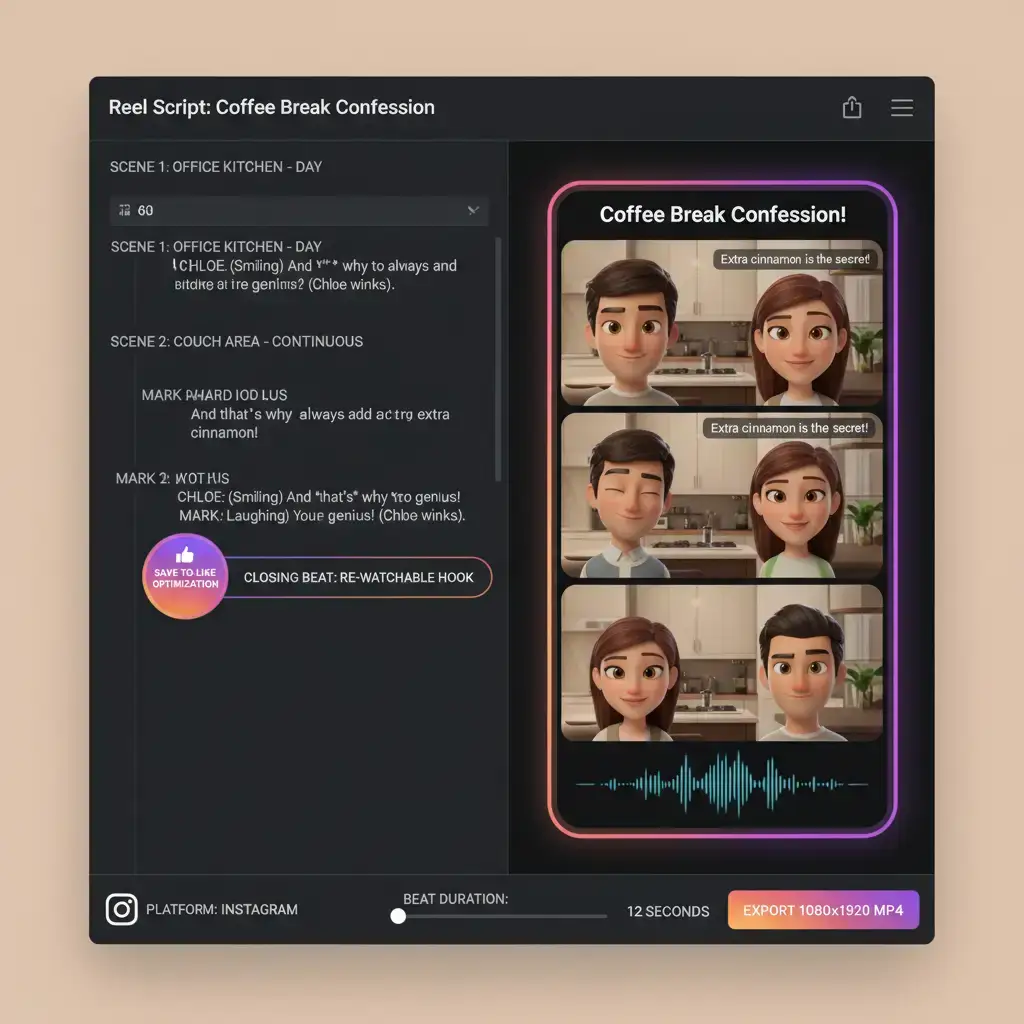
VoooAI Script to Video AI for Instagram Reels turns a finished script into a publish-ready vertical reel in minutes rather than the production days a traditional crew would book. The engine reads your script, splits it into Reels-sized beats, assigns camera language per beat, and renders 1080x1920 video tuned for the Instagram algorithm. Creators who already write captions, carousel copy, or video concepts in plain text gain the most from this workflow, because the engine treats the script as the primary asset and treats every downstream rendering step as deterministic rather than a second round of creative labour.
From Script to Reel Without Opening an Editor
A creator sits down with a one-page script — maybe a thirty-second product demonstration or a quick narrative hook — and instead of booking a shoot, they paste the text into VoooAI. Ten minutes later they have a fully rendered 9:16 vertical Reel with consistent character visuals, beat-synced transitions, and platform-native framing. According to [Shopify's Instagram Reels commerce data](https://www.shopify.com/blog/video-marketing), Instagram Reels generate roughly 30% more engagement than static feed posts and shoppers who watch a product Reel are 73% more likely to convert, which is the quantified reason brands now treat Reels as a paid-media surface rather than an organic afterthought. The engine encodes this context directly into the render plan: the opening beat is independently optimized for the first-three-second retention signal that the Instagram algorithm weighs heaviest.
How the Reels Parser Breaks Your Script Into Beats
Paste a script into the editor or drop a markdown file and the parser splits it into beats by scene headings, identifies speaking characters, tags inner monologue separately from spoken dialogue, and hands a structured scene graph to the rendering pipeline. The Reels parser differs from the TikTok and Shorts variants in one important way: it caps each beat at a maximum of twelve seconds so the finished reel fits comfortably inside the standard ninety-second Instagram Reels cap, and it marks the opening beat as a retention-critical hook so that the engine optimizes the first frame independently from the rest of the story. Scripts that run over the ninety-second duration are auto-sliced into a multi-reel arc with visual cliffhangers at natural act breaks, keeping the original story intact while still respecting the platform-native cap.
Who Ships Reels From a Script
Instagram creators publishing daily Reels content, e-commerce brands showcasing product lines, lifestyle influencers producing serialized story arcs, and marketing agencies running multi-client Reels campaigns at scale. No video editing or animation experience required — describe your vision and VoooAI delivers a complete Reel. Boutique agencies increasingly use VoooAI to A/B-test three visual concepts for a single product Reel before committing to a full production budget, which de-risks the creative spend on smaller-brand rosters.
Three Mistakes That Kill Script-to-Reels Output
If this use case is adjacent to what you need, see also [Screenplay to Video AI](https://voooai.com/use-case/screenplay-to-video-ai), [Script to Video AI for TikTok](https://voooai.com/use-case/script-to-video-for-tiktok), and [Novel to Video AI](https://voooai.com/use-case/novel-to-video-ai) for the closest alternative workflow.
First, over-long exposition: Reels viewers swipe at roughly three-second intervals in the first nine seconds, so the engine must see which beats are expendable and which must stay. Second, ignoring the visual hook: the strongest visual beat in the script should be marked for the opening shot even if it breaks chronological order, because retention on Reels is decided before the audio even fades in. Third, skipping the music-sync pass: Instagram Reels algorithmically boosts content where scene transitions land on audio beats, so always enable beat-sync rather than fixed-interval cuts. The engine handles this automatically when the soundtrack is provided, but creators who skip the audio upload lose a free distribution signal.
Why VoooAI Beats Manual Editing for Reels
Manual Reels production in Premiere or CapCut typically takes one to three hours per thirty-second Reel when you count script-to-storyboard, shot selection, character consistency management, caption overlay, and platform export. VoooAI compresses the same pipeline into roughly eight to twelve minutes of compute, and the creator spends about fifteen minutes on prompt refinement and final approval. The gain is not just speed — it is iteration capacity. A creator who can ship five Reels per day instead of one has five times the surface area for the algorithm to discover, which is the structural advantage that compounds follower growth over weeks. [Exploding Topics' AI content creation growth curve](https://explodingtopics.com/blog/ai-statistics) documents that AI-assisted content creation is among the fastest-growing creator workflows with adoption compounding year over year, which means the daily-cadence advantage described above is rapidly shifting from a competitive edge to a baseline expectation.
Reels vs TikTok vs Shorts: Picking the Right Pipeline
All three platforms reward vertical short-form video, but the ranking signals differ enough that a script should be tuned per platform rather than republished blindly. Instagram Reels weights the save-to-like ratio more heavily than TikTok does, which means the engine should be told to close on a visually re-watchable moment rather than a pure cliffhanger. TikTok rewards comment-triggering hooks, while YouTube Shorts optimizes for average-view-duration. VoooAI's script parser accepts a platform flag that adjusts beat pacing, hook positioning, and end-card design per destination — same script, three platform-native renders. [HubSpot's Instagram video performance benchmarks](https://blog.hubspot.com/marketing/video-marketing-statistics) report that short-form Instagram video now drives 2.5x the engagement of static image posts, and interactive Reels with on-screen text convert at roughly double the rate of unscripted lifestyle clips, which is the platform-specific evidence for treating the render plan as a per-channel optimization problem rather than a one-size-fits-all export.
Getting Started With Your First Instagram Reels Script
New users should start with the Reels preset, paste a single-page scripted scene of roughly thirty to sixty seconds, optionally drop a reference face for the protagonist, and let the engine render a first pass. Review the draft, regenerate only the beats you dislike, and export the vertical short video ready for upload. For a deeper understanding of the node architecture that powers the pipeline, read our [Script to Video AI](/script-to-video) hub page, which explains every stage from script parsing to final cut and Instagram Reels native export. Creators who also publish to TikTok and YouTube Shorts can switch the platform flag and regenerate from the same source script in under a minute, which is the practical benefit of treating the script as the canonical asset rather than the finished video file.
Related Reading for Multi-Platform Creators
Once your first Reel is live, the natural next step is understanding how the same script-to-video pipeline adapts to TikTok and YouTube Shorts. The [Script to Video AI](/script-to-video) hub page is the canonical walkthrough of the node architecture that powers every platform variant, and reading it before you scale across three channels keeps your production conventions aligned rather than drifting per platform. For a broader view of how VoooAI orchestrates Seedance 2.0, Kling, and Happy Horse behind each render, the [AI Video Generator](/ai-video-generator) Super-Hub explains why multi-model routing keeps character geometry stable across dramatically different scene types, which is the technical reason a single script can produce three platform-native outputs that each look purpose-built rather than lazily re-exported. Bookmark the [Script to Video AI](/script-to-video) hub before you plan your next multi-platform release calendar, because the beat-pacing and hook-positioning choices you make for Reels compound across every other channel that shares the same source script.
Frequently Asked Questions
How does script-to-video work for Instagram Reels?
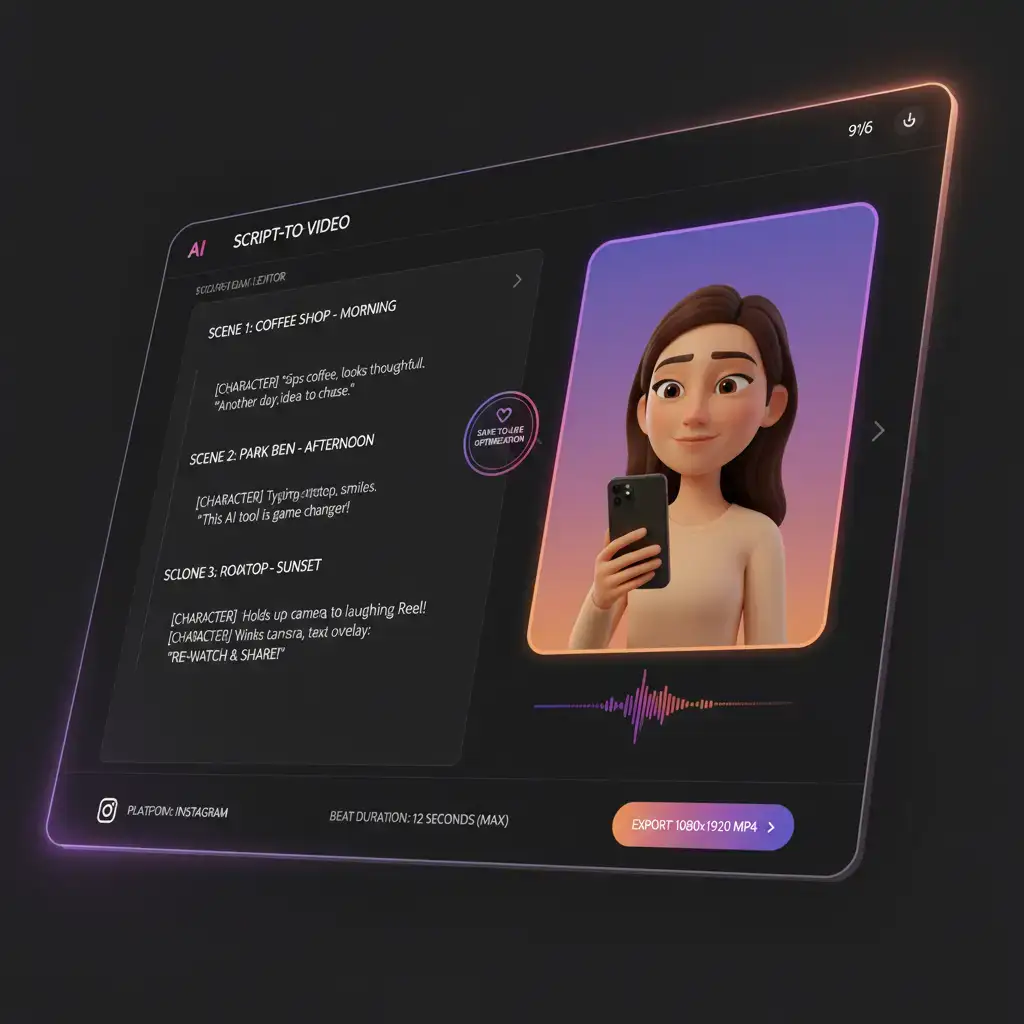
Paste your script into the editor, select the Reels preset, and the parser splits it into twelve-second beats, assigns camera language per beat, and renders a 1080x1920 vertical video tuned for Instagram's algorithm — typically in eight to twelve minutes.
Can I reuse the same character across multiple Reels episodes?
Yes. Upload a single reference photo of your protagonist and the engine derives a locked identity vector — facial proportions, skin tone, hairstyle, and outfit — that persists across every render. When you generate episode two or ten, the character is reconstructed from that vector rather than re-inferred from the new script, eliminating drift even in multi-week Reel series that span dozens of episodes.
What aspect ratio does VoooAI export for Instagram Reels?
VoooAI exports 9:16 vertical video at 1080x1920 resolution, which is the native Instagram Reels format. The same render can be adapted to TikTok and YouTube Shorts by switching the platform flag without re-generating from scratch.
Does the engine optimize for Instagram's save-to-like ratio?
Yes. The Reels parser closes on a visually re-watchable moment rather than a pure cliffhanger, because Instagram's algorithm weights saves more heavily than TikTok does. This design choice increases the likelihood of organic distribution.
Can I publish the same Reel to TikTok and YouTube Shorts?
You can, but for best results switch the platform flag and regenerate from the same source script. Each platform has different ranking signals — TikTok rewards comment-triggering hooks, Shorts rewards average view duration — and the engine adjusts beat pacing and end-card design per destination automatically.