Short Drama Script Template
Free short drama script template for script-to-video AI. Turn a 3-episode vertical series script into consistent-character videos with multi-engine rendering.
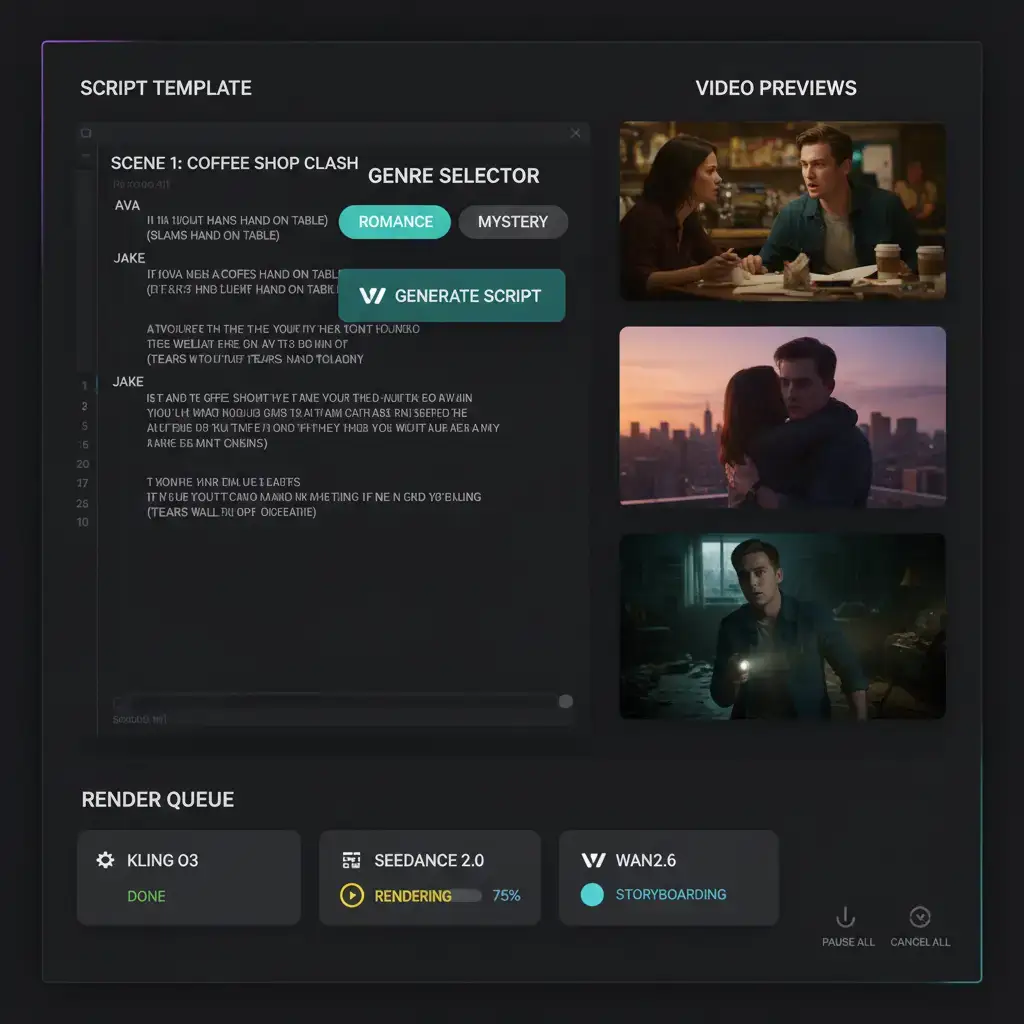
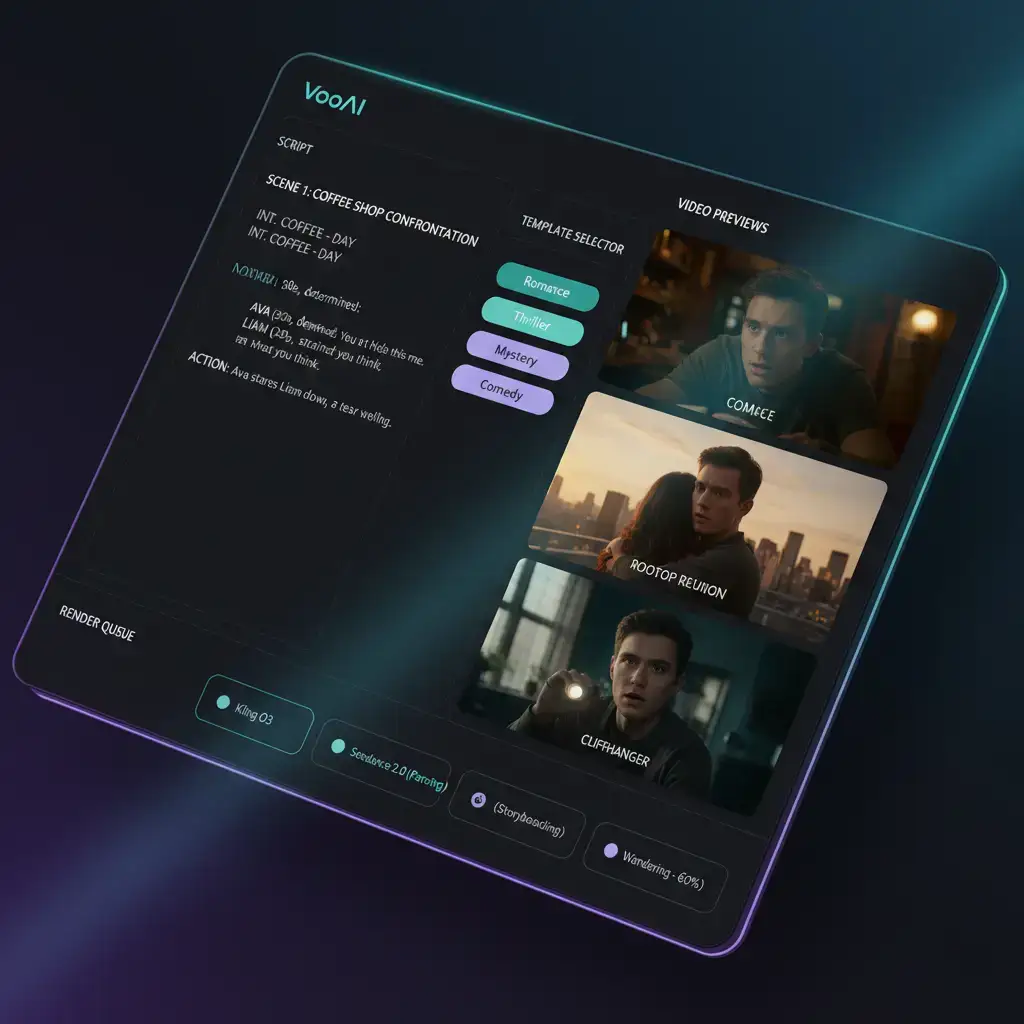
Template Details
Short-form serialized drama has become the fastest-growing format on vertical video platforms, and [DataReportal's global overview report](https://datareportal.com/reports/digital-2025-global-overview-report) shows short-form video occupying a dominant share of daily watch time. But a drama series is not a single clip: it is a chain of episodes that must keep the same characters, the same visual tone, and a cliffhanger rhythm that pulls viewers into the next episode. Generic one-shot video generators break exactly there. This short drama script template is built for the way [script to video AI](/script-to-video) actually works: parse the screenplay first, lock the cast, then render every scene with the engine best suited to it.
Why Short Drama Needs a Script-First Template
A typical vertical drama episode contains 8 to 15 scenes: dialogue close-ups, reaction shots, an action or chase beat, and a closing cliffhanger. Prompt-only tools force you to re-describe the same characters in every prompt, and by episode two the protagonist's face has drifted. The template inverts the workflow: you write (or paste) the script once, the engine parses it into a scene graph, and every scene inherits a locked character sheet instead of a fresh text description.
Inside the Template: 3-Episode Vertical Series Structure
The template ships with a three-episode arc skeleton tuned for 60-90 second episodes:
1. **Episode 1 - Hook and Setup.** First 3 seconds carry the hook line; the remaining beats establish the protagonist's normal world and the inciting conflict. The final scene ends on a cliffhanger.
2. **Episode 2 - Escalation.** Stakes rise, a secondary character enters, and the midpoint reversal flips the audience's expectation.
Teams evaluating this workflow often compare it with [AI Video Generator from Image](https://voooai.com/use-case/ai-video-generator-from-image), [AI Video Generator from Text](https://voooai.com/use-case/ai-video-generator-from-text), or [AI Short Drama Generator for TikTok](https://voooai.com/use-case/ai-short-drama-for-tiktok) when the requirement differs slightly.
3. **Episode 3 - Payoff and Loop.** The conflict resolves (or twists again), and the closing frame tees up the next arc so the series can continue as a recurring format.
Each scene slot in the skeleton specifies its beat type (hook, dialogue, reaction, action, cliffhanger), target duration, and shot size, so the renderer knows whether a scene needs a tight dialogue close-up or a wide establishing frame.
Character Consistency Across Episodes
Consistency is enforced before rendering, not patched after. The template workflow: define each character once (face reference, wardrobe, signature props), lock it into a character sheet, and let every scene reference that sheet. Seeds are pinned per character so that regenerating a scene keeps the same face while changing only the shot. Style tokens - color grade, line weight, lighting mood - persist across all episodes, which is what makes three separately rendered episodes feel like one series. [Backlinko's video marketing statistics](https://backlinko.com/video-marketing-stats) consistently show retention as the metric that separates viral serialized content from one-off clips, and face drift is one of the top reasons viewers drop a series.
Multi-Engine Rendering: Matching Scenes to the Right Model
No single video model is best at everything. The template routes scenes by type: dialogue close-ups go to the engine strongest at facial fidelity, action beats go to the motion-heavy engine, and stylized establishing shots go to the cinematic engine. Because routing happens at the scene level, you can regenerate a single weak scene without touching the rest of the episode - a significant time saving when a drama series runs to a dozen scenes per episode. [Sprout Social's short-form video research](https://sproutsocial.com/insights/short-form-video/) highlights how production speed on vertical formats decides who can sustain a posting cadence at all.
Platform-Native Hooks and Retention Beats
The skeleton hard-codes platform conventions: a spoken or on-screen hook in the first 3 seconds, a visual pattern interrupt every 10-15 seconds, safe zones that respect platform UI overlays, and burned-in caption styling tuned for sound-off viewing. These are not decorative details - on vertical platforms they are the difference between a completed view and a scroll-past.
Production Cost and Turnaround
Because the template reuses locked character sheets and pinned seeds across episodes, the second and third episodes of a series render noticeably faster than the first: the expensive setup work happens once. Draft passes at lower resolution let you validate performance and pacing before committing credits to final renders, and only the shots that pass review get re-rendered at full quality. For teams producing recurring series, that draft-then-final loop is where most of the cost savings live.
Localizing One Series for Multiple Markets
A finished vertical series rarely stays in one language. Short drama audiences are global, and the same three-episode arc can serve Portuguese, Spanish, and Southeast Asian markets with only surface-level changes. Because the template keeps dialogue, captions, and on-screen text in separate script slots, localization becomes a slot-level operation: translate the dialogue track, regenerate captions in the target language, and re-render only the scenes that contain burned-in text. The character sheets, camera language, and lighting presets carry over untouched, so every language version still looks like the same show. Rights holders increasingly expect this: licensing deals for mini-drama catalogs now routinely include multi-territory clauses, and the cost of re-shooting for each market is precisely what made those catalogs expensive before AI production existed. With a script-first template, the marginal cost of a new language is a translation pass plus a batch render, not a second production crew. Teams typically localize their best-performing series first, using platform retention data to decide which arcs deserve the extra markets. The same logic applies in reverse: a series that stalls domestically can find its audience overseas, and the template makes testing that hypothesis cheap enough to run on a weekly schedule.
Who This Template Is For
- **Fiction creators** launching a serialized vertical drama on TikTok, Reels, or Shorts.
- **Studios testing concepts** who need three coherent episodes to validate a format before commissioning a longer run.
- **Agencies producing branded mini-dramas** where the client's product appears inside the story world.
Getting Started
Load the template, paste your script (or start from the skeleton and fill the beat slots), define your character sheets, and render episode one as a draft. Review the hook and cliffhanger first - they carry the series - then finalize the remaining scenes. For the full production workflow and engine comparison, read the [Script to Video AI hub page](/script-to-video) and the [AI Video Generator Super-Hub](/ai-video-generator).
Use This Template
Load into workflow editor with one click, customize and generate videos
Use Template FreeFAQ
How does the template keep the same character across 3 episodes?
Each character is defined once as a locked sheet (face reference, wardrobe, signature props) with pinned seeds. Every scene references that sheet instead of re-describing the character, so faces stay stable across episodes.
Which AI engines render which scene types?
Scenes are routed by type: dialogue close-ups to the facial-fidelity engine, action beats to the motion engine, and stylized establishing shots to the cinematic engine. Routing is per-scene, so you can regenerate one weak shot without re-rendering the episode.
Can I use it on platforms other than TikTok?
Yes. The 9:16 skeleton, safe zones, and caption styling work for Instagram Reels and YouTube Shorts as well; only the hook copy conventions differ slightly between platforms.
How long is each episode?
The skeleton is tuned for 60-90 second episodes with a 3-second hook, pattern interrupts every 10-15 seconds, and a cliffhanger ending - the structure vertical platforms reward.
Does it work with my own screenplay format?
You can paste plain-text scripts or import standard screenplay formats; the parser extracts scene headings, dialogue, and action lines into the scene graph automatically.