Product Showcase Ad Template
Automated product showcase ad template: turn SKU photos and feature lists into product videos with batch variants, brand presets and multi-engine rendering.
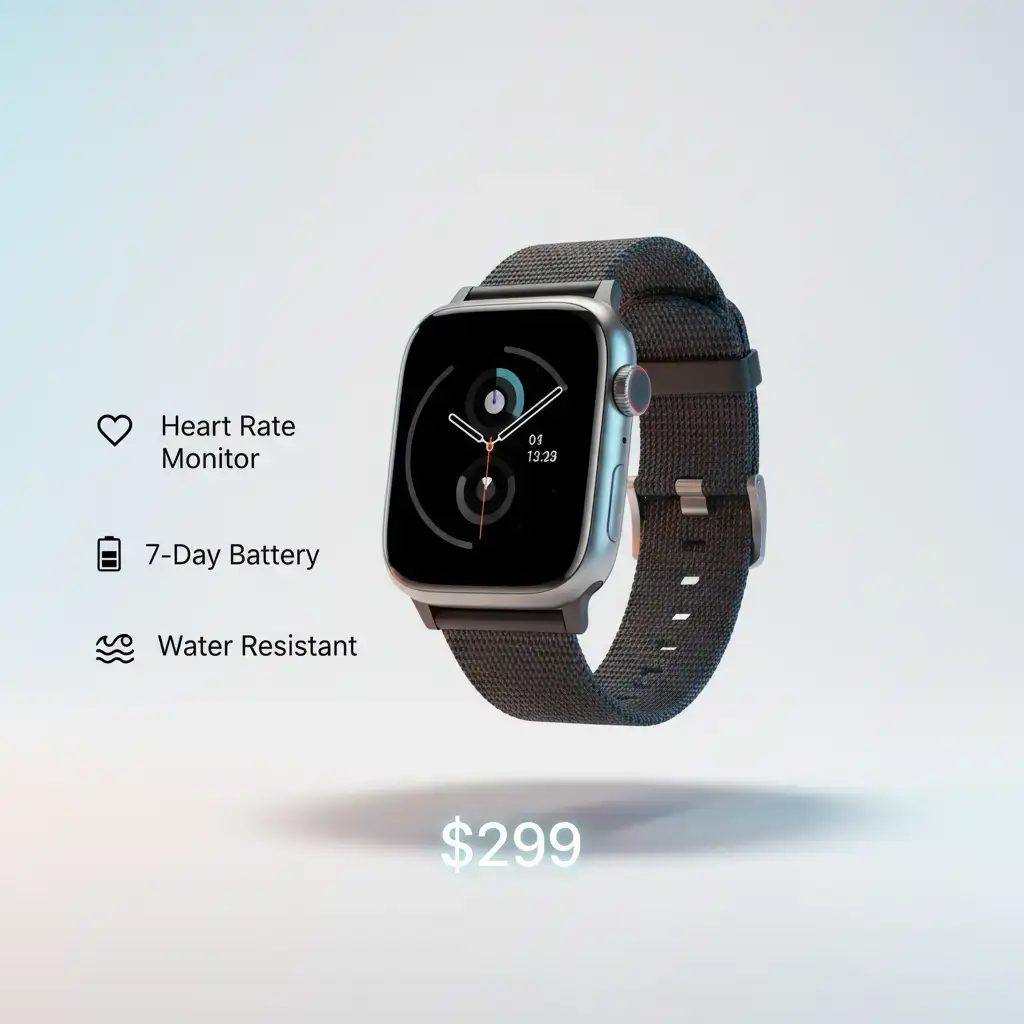
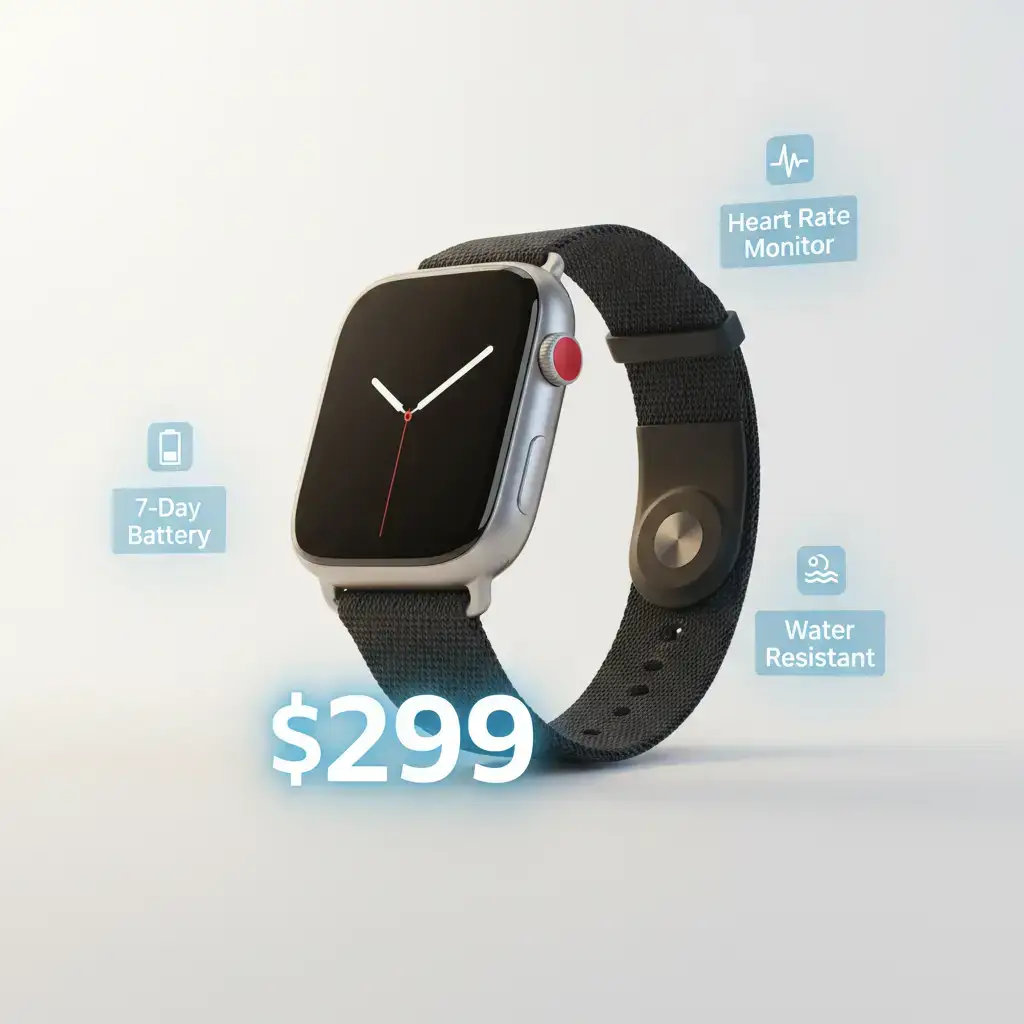
Template Details
E-commerce teams do not need one product video - they need dozens, one per SKU, refreshed for every campaign. Hand-editing that volume is why most catalogs go video-less. This product showcase ad template treats product video as a [workflow automation](/workflow-comparison) problem: standardize the structure once, then let the pipeline turn a product sheet into a finished ad with the right engine rendering each shot. According to [OptinMonster's video ad benchmarks](https://optinmonster.com/video-marketing-statistics-what-you-must-know/), video ads average a 1.84% CTR - the highest of any digital ad format - and product content is one of the fastest adopting verticals for that budget shift.
Why Product Ads Need Template-Driven Production
A product ad is structurally repetitive: hero shot, feature close-ups, context or lifestyle beat, offer and call to action. That repetition is a liability when videos are assembled by hand and an asset when the structure lives in a template - the creative variation happens inside fixed slots, so brand consistency survives even when a different person (or no person) runs the pipeline.
Inside the Template: 5-Scene Showcase Structure
Each SKU renders into five standard scenes:
1. **Hero reveal.** The product front-and-center with a light sweep or rotation, sized to the first-3-second attention window.
2. **Feature close-ups.** One scene per key selling point, each driven by a macro shot of the relevant detail.
3. **Lifestyle context.** The product in use, rendered by the engine strongest at natural human motion.
4. **Spec and trust beat.** Materials, dimensions, or certifications as on-screen text over b-roll.
5. **Offer and CTA.** Price, promotion, and a single unmissable call to action.
The slots are aspect-ratio aware: the same SKU exports 9:16 for Reels and TikTok, 1:1 for feed placements, and 16:9 for marketplace or YouTube pre-roll, with text zones repositioned per ratio automatically.
From Product Sheet to Storyboard: The Automated Workflow
You feed the template three inputs: product photos (3-5 angles), a feature list with one line per selling point, and the offer. A natural-language step converts that sheet into a storyboard mapped to the five scenes - no timeline editing. [Insivia's 2025 video commerce benchmarks](https://www.insivia.com/video-marketing-statistics-you-must-know-in-2025/) report that product pages with video see a 47% higher engagement rate and explainer videos cut product returns by up to 35%: the value moves from manual tool operation to designing the inputs and reviewing the outputs.
Multi-Engine Product Rendering
Shot types differ, so the template routes them differently: macro product detail goes to the engine best at reflective surfaces and texture, human-in-scene lifestyle shots go to the motion engine, and hands-on demonstration shots go to the engine strongest at physical interaction. Scene-level routing means a re-shot feature close-up never disturbs the approved lifestyle scene. [Oberlo's video marketing statistics](https://www.oberlo.com/blog/video-marketing-statistics) shows that 78% of video marketers say videos have directly helped increase sales, which is precisely why per-SKU coverage at scale pays.
Batch Variants for A/B Testing
Because every scene slot is parameterized, the template generates variants mechanically: swap the hook line, change the hero background, reorder features, or produce a seasonal gift-wrap version. Teams typically run 2-3 hook variants per SKU and let the ad platform's own optimization pick the winner - a testing cadence that is only practical when variant production is essentially free.
Brand Presets Keep the Catalog Consistent
Colors, fonts, logo placement, caption style, and the end-card layout live in a brand preset that every SKU inherits. Change the preset once and the whole catalog's next render cycle reflects it - the control that makes template-driven production safe for a branded storefront.
Cost and Turnaround
Draft passes run at lower resolution for copy and pacing review; only approved scenes render at final quality. Because the second variant of a SKU reuses its locked product sheet and preset, incremental variants cost a fraction of the first render. For catalogs of hundreds of SKUs, the savings compound into the difference between covering the top sellers and covering everything.
Who This Template Is For
- **DTC brands** that need every SKU to have video coverage, not just the hero products.
- **Agencies** producing campaign volumes across multiple clients with strict brand rules.
- **Marketplace sellers** refreshing listings for seasonal pushes without an editing team.
Quality Gates Before a Product Video Ships
Rendering at scale only works when bad outputs get caught before they reach the ad account. The template adds three automated gates between storyboard and final export. First, a text-safety check verifies that offer lines, prices, and claims fit inside the safe zones of every aspect ratio, so a SKU that passes at 9:16 cannot fail at 1:1. Second, an asset-integrity pass confirms each product photo meets resolution and background requirements before it enters the render queue, flagging low-resolution images for re-upload instead of letting them blur on screen. Third, a consistency audit compares the rendered hero shot against the locked brand preset, catching color drift, wrong logo placements, and caption style slips while re-rendering one scene is still cheap. A failed scene simply re-enters the queue with its original parameters, so a gate failure delays a single scene rather than an entire batch, and the audit log records exactly which rule triggered the retry for the next review cycle.
Seasonal Refreshes Without Rebuilding
Catalogs change faster than creative teams can react: new SKUs arrive weekly, pricing shifts around holidays, and marketplace rules tighten overnight. Because the showcase structure and the brand preset are decoupled from any single product sheet, a seasonal refresh is a data swap, not a redesign. Point the pipeline at the updated product feed, keep the same storyboard logic, and re-render only the SKUs that actually changed. Holiday variants add a single scene-level override - a gift-wrap hero background or a limited-time offer card - without touching the rest of the structure. Teams running weekly refresh cycles see the second and third cycles cost a fraction of the first, because presets, gates, and routing rules accumulate instead of resetting every campaign. Over a quarter, that compounding effect is the difference between covering a handful of hero products and keeping the entire catalog permanently video-ready.
Getting Started
Upload one SKU's photos and feature list, review the generated storyboard, render a 9:16 draft, and iterate on the hook line before final export. For how this template compares with general automation platforms, read the [Best Workflow Automation Software for AI Video](/workflow-comparison) hub and the [AI Video Generator Super-Hub](/ai-video-generator).
Use This Template
Load into workflow editor with one click, customize and generate videos
Use Template FreeFAQ
How many product photos do I need per SKU?
3-5 angles are enough: a front hero shot, two detail shots for feature close-ups, and one in-context photo if available. Missing angles are generated from the locked product sheet.
Can it batch-produce variants for every SKU?
Yes. Scene slots are parameterized, so hook lines, backgrounds, feature order and aspect ratios can be swapped mechanically, and the whole batch renders from the same brand preset.
Which engines handle product close-ups vs lifestyle scenes?
Macro product detail routes to the engine strongest at reflective surfaces and texture, human-in-scene lifestyle shots to the motion engine, and hands-on demos to the physical-interaction engine.
Does it export square and 16:9 versions automatically?
Yes. The same SKU exports 9:16, 1:1 and 16:9 from one storyboard, with text zones and safe areas repositioned per ratio automatically.
How are brand colors and logos enforced?
They live in a brand preset that every SKU inherits - colors, fonts, logo placement, caption style and end-card layout. Updating the preset once applies to the whole catalog's next render cycle.