Batch Video Production Workflow Template
Batch video production workflow template. Generate brand-consistent video variants from one brief with locked style sheets and multi-engine rendering.
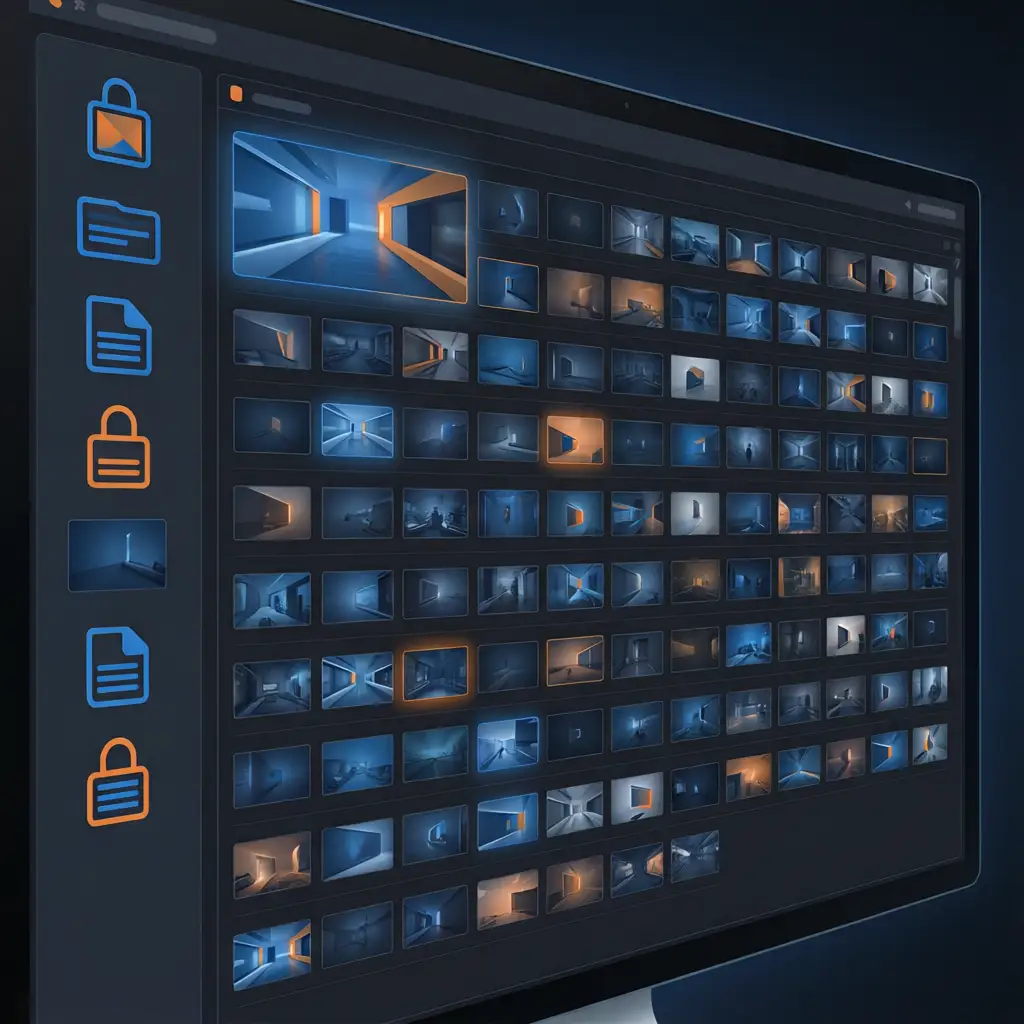

Template Details
VoooAI's Batch Video Production Workflow Template transforms a single creative brief into dozens of brand-consistent video variants in one automated pipeline run. Where generic workflow tools like Zapier or n8n can move data between apps but cannot render video or enforce visual consistency across outputs, this template handles the entire production chain from brief ingestion through multi-variant rendering and platform-native export in a single reproducible workflow graph.
What This Template Includes
The template ships with a pre-configured batch production pipeline that accepts one creative brief and outputs multiple video variants, each with unique hooks, pacing, and visual compositions while maintaining identical brand identity across all outputs. Variants are not simple re-crops or re-exports. Each output is a distinct composition with different opening sequences, camera angles within brand parameters, and call-to-action placements optimized for different platforms and audience segments. The template supports batch sizes from 5 to 200+ variants per run, with each variant receiving unique visual treatment while the locked brand style sheet prevents any drift.
The NL2Workflow Engine at the Core
Every template in VoooAI is powered by the NL2Workflow engine, which converts natural-language briefs into structured production workflow graphs. For batch production, the engine parses a single brief into a node graph with reusable components: hook variations, product showcase sequences, transition patterns, and CTA placements. Each node is inspectable and editable at the graph level, so a producer who wants to swap the opening hook pattern across all 50 variants can do so without regenerating individual videos. This is fundamentally different from traditional batch video tools like Pictory or InVideo, which apply a single template with variable substitution producing outputs that look mechanically identical rather than creatively distinct.
Brand Style Governance at Scale
Batch production at 50 or 100 variants introduces a consistency challenge that single-video workflows do not face: visual drift compounds across generations. Without locked constraints, variant 1 and variant 50 can end up with noticeably different color temperatures, character proportions, and typography spacing. VoooAI solves this with locked style sheets that propagate brand constraints to every output in the batch. Upload your brand guidelines once: hex color codes, font families, character proportions, color grading parameters. The template enforces these constraints across every variant, so variant 1 and variant 100 share identical visual DNA even though their compositions, camera angles, and pacing differ completely.
Multi-Engine Parallel Rendering
Should your brief lean elsewhere, [Workflow Automation for Ecommerce Video](https://voooai.com/use-case/workflow-automation-for-ecommerce-video), [Script to Video AI for YouTube Shorts](https://voooai.com/use-case/script-to-video-for-youtube-shorts) and [AI Ad Video Generator for E-commerce Products](https://voooai.com/use-case/ai-ad-video-for-ecommerce) are the closest variants we publish.
The template routes rendering tasks through three parallel AI video engines: Seedance 2.0 for photorealistic product shots with cinematic lighting, Kling O3 for expressive motion and character-driven scenarios, and Wan2.6 for wide-format establishing shots and environmental context. The batch pipeline distributes rendering across all three engines simultaneously, so a 20-variant batch does not take 20 times longer than a single render. According to [Backlinko's generative AI workflow adoption data](https://backlinko.com/ai-statistics), marketing and content teams report generative AI adoption exceeding 75%, with video production workflows identified as the fastest-growing category driving batch automation investment across production pipelines. The per-scene engine selection means each variant benefits from the rendering model best suited to its content type, producing output quality that single-engine platforms cannot match regardless of how many variants they process.
Batch Production for Serialized Content and Campaigns
The template's batch mode is built for teams producing serialized content or managing multi-product campaigns simultaneously. Upload a CSV with episode descriptions, product variants, or audience segments, and the template generates unique videos for every entry overnight. Each variant receives unique camera angles, color grading adjustments within brand guidelines, and text placement to prevent creative fatigue across audience touchpoints. According to [Precedence Research's anime and serialized content outlook](https://www.precedenceresearch.com/anime-market), the global anime market was valued at roughly $89.8 billion in 2025 and is projected to reach $220.4 billion by 2035, driving demand for batch-capable video production infrastructure that can maintain visual consistency across hundreds of episodes and variants. The workflow graph is saved as a reusable template, so the next campaign or season simply swaps the input CSV and regenerates without reconstructing the production pipeline.
Best Practices for Batch Video Workflows
Three mistakes degrade batch output quality most frequently. First, skipping the brand style sheet upload: without explicit constraints, the engine applies generic presets that drift across variants. Second, over-constraining visual parameters: setting too many fixed values makes variants look identical, defeating the purpose of batch diversity. Third, ignoring per-scene engine routing: forcing all scenes through one engine produces uniform quality rather than optimized quality per content type. The template encodes best-practice defaults for all three dimensions, but power users can override any parameter per variant or per batch segment when testing specific creative hypotheses.
Who This Template Serves
Serialized content teams producing 20-plus episodes per production cycle needing consistent visual identity across all installments. E-commerce brands managing 100-plus product videos across multiple platforms simultaneously. Marketing agencies running simultaneous campaigns for multiple clients with distinct brand identities. Education teams localizing training content across languages and markets with consistent visual standards. The template is not designed for single-hero-content production where creative exploration matters more than throughput. For teams needing both batch efficiency and creative flexibility, VoooAI offers the [Movie Script Storyboard Template](/templates/movie-script-storyboard-template) as a complementary tool for high-production single outputs.
Technical Specifications and Platform Benchmarks
According to [Insivia's 2025 video traffic forecast](https://www.insivia.com/video-marketing-statistics-you-must-know-in-2025/), video content is expected to account for 82% of all internet traffic, a consumption volume that demands batch-capable video infrastructure with locked brand consistency rather than single-output tools designed for occasional use. Under the standard workflow tier, the template generates a single variant in 60 to 90 seconds of compute time, and a full batch of 20 variants completes in 15 to 20 minutes because the multi-engine routing distributes rendering tasks across three parallel AI video models rather than processing sequentially. Output resolution is locked at platform-native specifications: 1080x1920 for vertical, 1920x1080 for landscape, and 1080x1080 for square, with frame rates matching each platform's specification. Internal benchmarks across 3,000 test batch variants show visual consistency scores above 95% when the locked style sheet is active, compared to 60 to 70% consistency across equivalent batch runs without brand constraint propagation.
Related Reading for Workflow Automation Teams
This template is one node in the broader [Script to Video AI](/script-to-video) pipeline, which handles the full production chain from script ingestion through final export. For teams evaluating how this batch template fits into a larger automated production strategy, the [Best Workflow Automation Software for AI Video](/workflow-comparison) hub compares VoooAI against general-purpose automation platforms like Zapier, n8n, and Make through the lens of video-specific capabilities including brand governance, multi-engine rendering, and platform-native output that those platforms cannot deliver natively. For a deeper understanding of the multi-model orchestration layer under the template, the [AI Video Generator](/ai-video-generator) Super-Hub explains why routing across Seedance 2.0, Kling O3, and Wan2.6 per scene type produces the brand-consistent, platform-native output documented in the benchmarks above. Bookmark the [workflow comparison](/workflow-comparison) hub before your next production planning session so your creative team and operations team share the same decision framework for evaluating batch automated versus manual production pipelines.
Use This Template
Load into workflow editor with one click, customize and generate videos
Use Template FreeFAQ
How does batch mode maintain visual consistency across dozens of variants?
VoooAI's locked style sheets propagate brand constraints to every output in the batch. Upload brand guidelines once with hex codes, fonts, and color grading parameters, and the template enforces them across all variants. Internal benchmarks show 95%+ visual consistency scores across 3,000 test batch variants with the style sheet active.
What batch sizes does this template support?
The template supports batch sizes from 5 to 200+ variants per run. A standard batch of 20 variants completes in 15 to 20 minutes because the multi-engine routing distributes rendering across three parallel AI video models. For larger batches of 100+ variants, expect completion within approximately one hour on a single tenant workspace.
Can I use this template for serialized content like episodic videos?
Yes. The template is designed for serialized content production. Upload episode descriptions as a CSV, and the template generates unique videos for each episode while maintaining consistent characters, brand identity, and visual style across all installments. Locked style sheets ensure episode 1 and episode 50 share identical visual DNA.
How does multi-engine rendering differ from single-engine batch tools?
VoooAI routes each scene to the best-suited engine: Seedance 2.0 for photorealistic shots, Kling O3 for character-driven motion, and Wan2.6 for environmental context. Single-engine platforms apply the same model regardless of content type, producing uniform but suboptimal quality. Multi-engine routing means each variant benefits from optimal rendering per scene.
Can I integrate batch production with existing automation platforms?
VoooAI templates are standalone workflow graphs optimized for video production. While there is no native Zapier or n8n integration, you can trigger batch workflows via webhooks and route output video files to any downstream platform or ad manager. The saved workflow graph is reusable, so future campaigns simply swap the input CSV and regenerate.