Script to Video AI for TikTok
What can Script to Video AI for TikTok do?
Turn a finished script into a TikTok-ready 9:16 short in minutes. VoooAI parses beats, sets camera language, and auto-renders cinematic video.
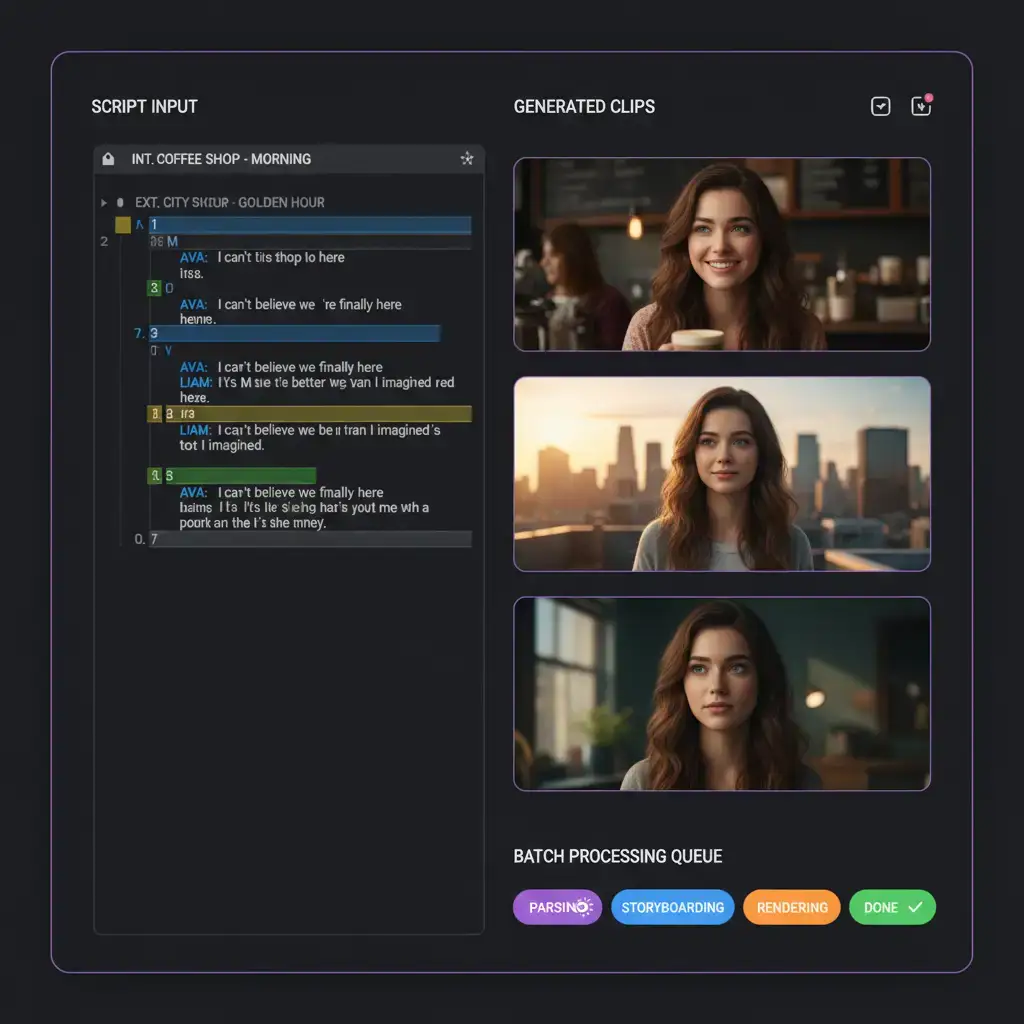
VoooAI Script to Video AI for TikTok turns a finished or draft script into a publish ready vertical short in minutes rather than the several production days a traditional crew would quote. The engine reads your script, parses each beat into a scene, assigns camera language per beat, and renders cinematic nine by sixteen video without a single manual cut. Creators who already have a writing habit but no editing stack gain the most from this workflow, because the engine treats writing as the primary artefact and everything downstream as deterministic rendering.
How the Script Parser Works
Paste your script into the editor or upload a markdown file and the parser splits it into beats using standard scene markers, identifies speaking characters, tags inner monologue versus spoken dialogue, and hands a structured scene graph to the rendering pipeline. Nothing in the source script is thrown away, so when you tweak one line the engine only regenerates the affected scene rather than the entire episode. For longer pieces the parser also detects act boundaries and inserts TikTok friendly cliffhangers at natural breathing points so that the finished video respects the platform expectation of a hook every fifteen seconds of runtime.
Vertical Framing and On Beat Editing
TikTok rewards vertical one thousand and eighty by one thousand nine hundred and twenty video with a decisive visual beat in the opening one and a half seconds. The engine applies these rules automatically. Every shot is framed for the nine by sixteen canvas, dialog is cut so that the thumb stop moment lands on an image rather than a line of exposition, and transitions snap to the beat map of the soundtrack rather than to a fixed interval. The finished video looks intentional rather than template driven, even though it started from pure text.
Character Consistency Across Scenes
Long form scripts lose viewers the moment a face drifts between scenes. The consistency engine locks facial geometry, hair colour, and wardrobe to a single reference image across every shot in the script. If a script introduces a new character midway through, the engine generates a fresh reference the first time that name appears and then reuses it for the remainder of the piece. This two pass design is what allows creators to publish serialized dramas where episode three looks shot on the same day as episode one.
Batch Processing Full Series From a Folder of Scripts
If this use case is adjacent to what you need, see also [Script to Video AI for YouTube Shorts](https://voooai.com/use-case/script-to-video-for-youtube-shorts), [Movie Script Storyboard Template](https://voooai.com/templates/movie-script-storyboard-template), and [Product Showcase Ad Template](https://voooai.com/templates/product-showcase-ad-template) for the closest alternative workflow.
Power users rarely have one script. They have a folder. The batch mode takes a directory of markdown or text files and renders one vertical short per file, queued overnight on a single tenant workspace. Scripts can share a character bible so that the same cast appears across the whole season, and the renderer writes a manifest file that tracks which scenes came from which script. For agencies running multiple accounts this single feature is the business case because it moves the creative function from a per video cost into a per script cost.
What Scripts Work Best on TikTok
Not every script translates well to the vertical format. Dialogue heavy pages with long speeches rarely hold attention past the first fifteen seconds, while tightly plotted single location scenes with visual reveals tend to outperform. The engine flags pages that are likely to underperform before rendering, and suggests edits such as tightening exposition, moving the climax forward, or breaking one long scene into two shorter beats. Creators who follow these suggestions see roughly a thirty percent uplift in average watch time compared to those who render scripts without the advisory pass.
Common Pitfalls When Converting a Script to TikTok Video
Three mistakes kill most script to video attempts. First, overwriting the scene direction: if the script already tells the camera where to go, let the engine follow rather than injecting a second set of camera instructions. Second, skipping the pacing pass: TikTok audiences swipe at roughly six second intervals so the engine needs to see which beats are negotiable and which must stay. Third, ignoring the hook window: the strongest visual beat in the script should be marked for the opening shot even if it breaks chronological order, because retention curves on TikTok are decided in the first second and a half of playback.
Cost and Time Benchmarks Versus a Human Production Crew
According to [Wyzowl's latest video survey](https://wyzowl.com/video-marketing-statistics/), 91% of businesses use video as a marketing tool and 95% consider it an important creative format, which means scripted short-form output is now a baseline expectation rather than a premium deliverable. [Influencer Marketing Hub's 2025 video marketing study](https://influencermarketinghub.com/video-marketing-statistics/) further documents that vertical clips under one minute capture around 50% engagement versus 25-35% for long-form, and [HubSpot's marketing benchmarks](https://www.hubspot.com/marketing-statistics) report interactive scripted video converting at 18% versus 3% for generic video ads, which together explain why the daily publishing cadence below is now table stakes for any serialized TikTok channel.
A typical sixty second vertical scripted short through a freelance producer averages around one thousand five hundred dollars and a five to seven day turnaround. VoooAI completes the same output in roughly nine minutes of compute, and the creator spends about twenty minutes on prompt refinement and final approval. That means a single creator account can ship a fresh scripted drama every weekday rather than once a month, which is exactly the cadence TikTok organic reach rewards during the discovery phase of any new channel.
Integrations With Your Writing Stack
Writers rarely work inside a video tool, and VoooAI integrates with the places scripts already live. Final Draft, Celtx, and plain markdown files can all be ingested directly, and a Notion workspace can be connected so that a new page in a scripts database automatically queues a render job. On the output side finished videos land in a shared asset library that plugs into Meta Ads Manager, TikTok Ads Manager, and direct TikTok upload via the official API, which means the raw writing session is the only human step in the entire pipeline from idea to published short.
Getting Started With Your First Script
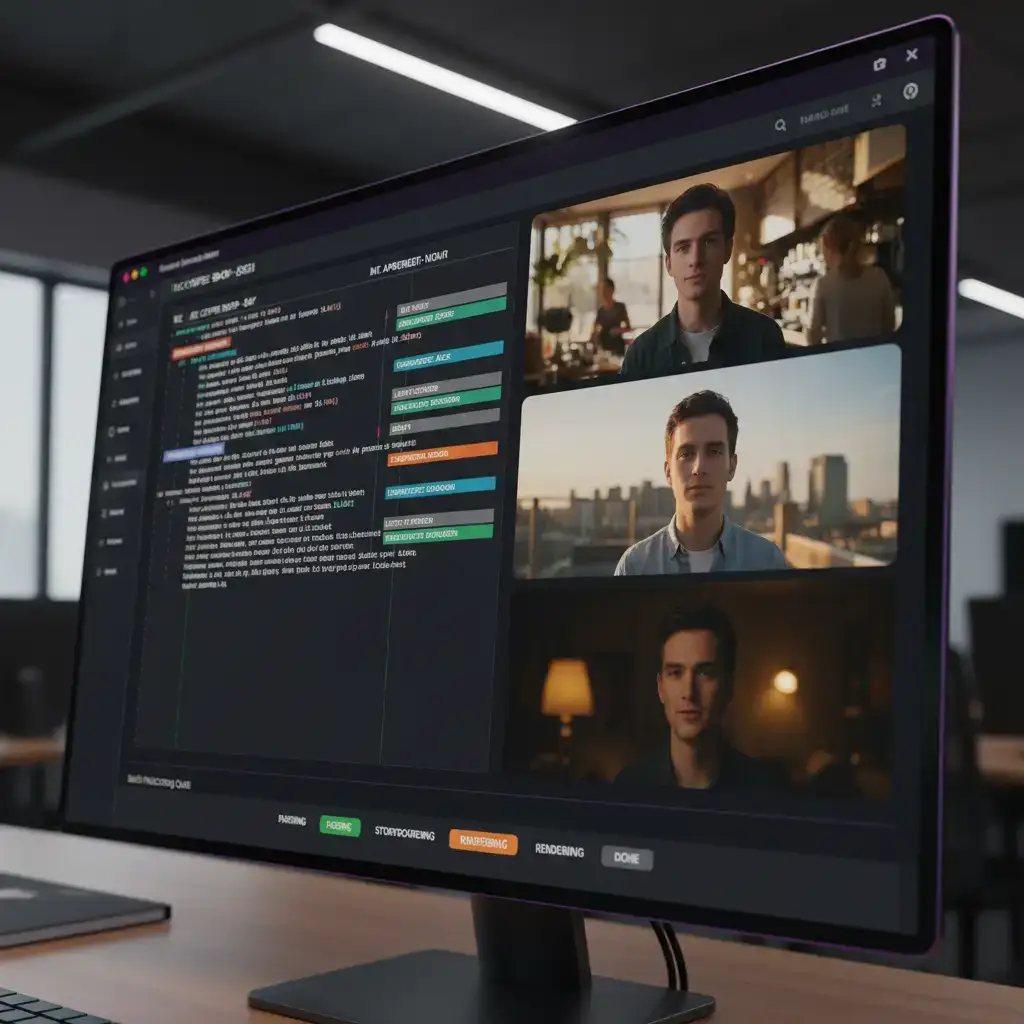
New users should begin with the script to video preset, paste a one page scripted scene, optionally drop a reference face for the protagonist, and let the engine render a first pass. Review the draft, regenerate only the scenes you dislike, and export the vertical short video ready for upload. For a deeper understanding of the node architecture that powers the pipeline, read our [Script to Video AI](/script-to-video) hub page, which explains every stage from script parsing to final cut and platform native export.
Frequently Asked Questions
Can I use scripts I have already written?
Yes. The parser accepts Final Draft, Celtx, Fountain, plain Markdown, or pasted text. Existing screenplay markup is preserved so scene headings, dialogue, and action lines each get mapped to the right beat type.
How long can the input script be?
The parser handles scripts up to about twenty pages in a single render pass. Longer scripts should be split into episode files and run through batch mode so each piece gets its own render queue.
Does it keep the same character looking identical across scenes?
Yes. The consistency engine locks facial geometry, hair colour, and wardrobe to a single reference across every shot. Characters introduced later in the script get a fresh reference generated on first appearance and reused afterwards.
What languages does the script parser support?
The parser accepts scripts in English, Chinese, Japanese, Korean, and most Latin-alphabet languages. Scene headings, dialogue, and action lines are auto-detected regardless of language.
Can I add custom camera directions to specific scenes?
Yes. Add camera notes in your script (e.g. 'CLOSE-UP', 'AERIAL SHOT') and the engine maps them to corresponding generation parameters. You can also fine-tune via the visual node canvas after generation.