ChatGPT Script to Video AI Workflow
What can ChatGPT Script to Video AI Workflow do?
Paste any ChatGPT or GPT-5 screenplay into VoooAI and render it on parallel AI video engines like Kling O3, Seedance 2.0 and Wan2.6 without rewriting prompts.
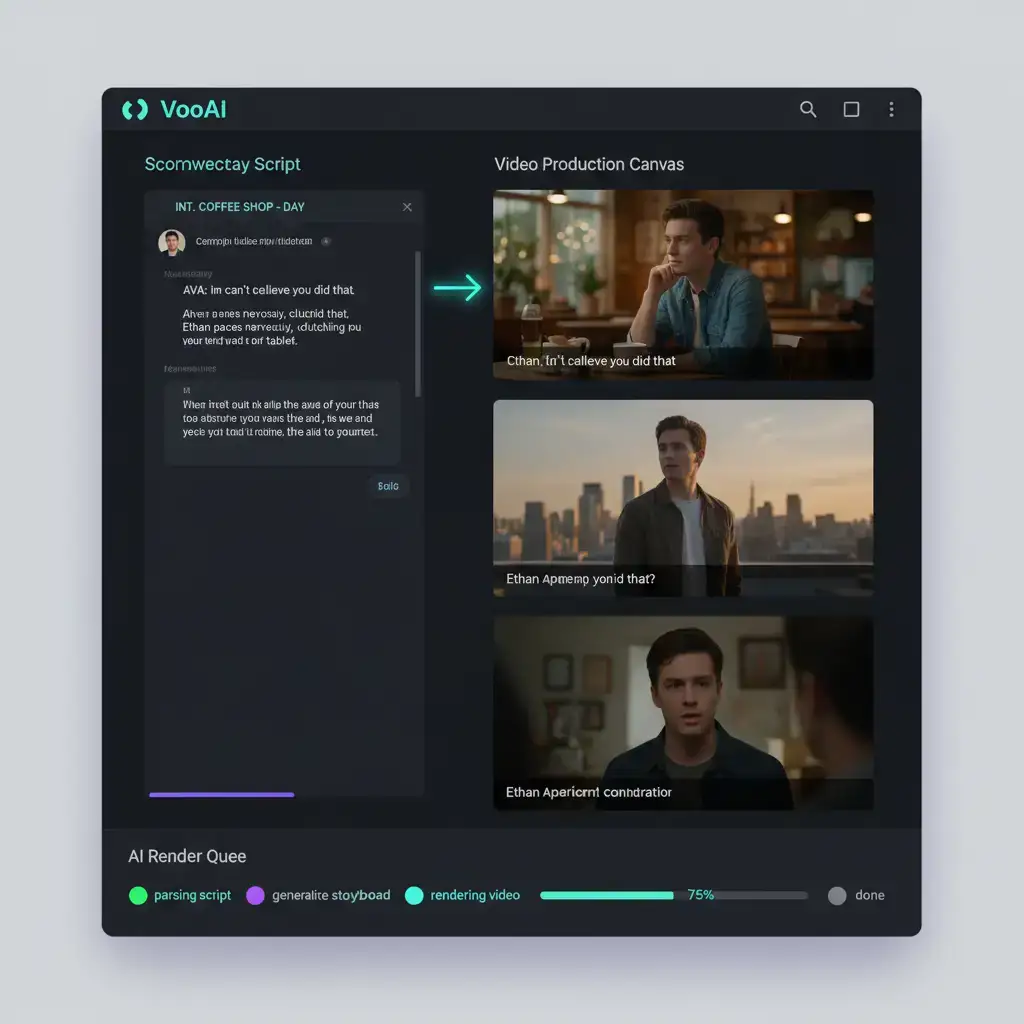
How do you turn a ChatGPT screenplay into a finished video without rewriting the prompt three times for a separate video model? VoooAI's ChatGPT script to video workflow accepts your raw GPT-4 or GPT-5 output—JSON, markdown, or plain pasted text—and routes every scene through three parallel AI video engines (Kling O3, Seedance 2.0, and Wan2.6) on shared 24GB VRAM hardware. The same screenplay fans out into three rendered versions in roughly 38–52 seconds per 60-second scene, so you compare engines side by side and ship the best take without ever leaving the workflow.
According to [Stanford HAI's U.S. AI investment tracking](https://hai.stanford.edu/ai-index/2025-ai-index-report), U.S. private AI investment surged to $109.1 billion in 2024, and ChatGPT-class assistants now sit at the top of every screenwriter's first-draft toolkit. The bottleneck is no longer drafting the script—it is the manual translation step between an LLM scene description and a video model's idiosyncratic prompt grammar.
How VoooAI Parses ChatGPT Output Into Three Parallel Video Pipelines
The workflow opens a paste-or-upload field that accepts ChatGPT screenplays in any of the three formats GPT-4 and GPT-5 produce by default: structured JSON with `scene`, `dialogue`, and `setting` keys; markdown headings with bullet directions under each scene; and plain prose paragraphs with implicit scene breaks. A pre-processing node detects the format, splits the script into shot-level beats, and emits an internal scene graph that all three video engines read from. Each engine receives the same shot list with engine-specific prompt rewriting—Kling O3 gets cinematic lighting hints, Seedance 2.0 receives speed-optimized framing tokens, and Wan2.6 gets multi-character dialogue anchors—so the three renders share narrative continuity without forcing you to author three prompts. Reference image consistency is enforced by a shared character pool that survives across scenes. Drop a face reference for each speaking role once at the top of the script and the workflow holds that geometry through every subsequent scene regardless of which engine renders it. This solves the single biggest failure mode of LLM-to-video pipelines: characters that look slightly different from scene to scene, which audiences detect within three seconds and which collapses retention curves on every short-video platform.
Three ChatGPT-to-Video Mistakes That Waste Generation Credits
First, copy-pasting raw ChatGPT output without trimming meta-commentary. GPT models often add bracketed director's notes like "[Note: this scene should feel tense]"—the parser treats these as scene directions and the video engines render literal floating brackets. Strip them in the pre-processing node toggle or have ChatGPT output strict JSON. Second, asking ChatGPT to write the visual prompt itself. GPT models are good at story but their visual language drifts toward photographic clichés that under-perform on short-video platforms; let VoooAI's engine-specific rewriter generate the visual prompts from the scene description. Third, regenerating the entire script when one scene fails. The node-level editor lets you re-roll a single shot against any of the three engines without recomputing the rest of the workflow, which preserves character continuity and saves the credits you would burn on a full-script regeneration.
Why VoooAI Beats Standalone Video Tools for ChatGPT Workflow Users
Teams evaluating this workflow often compare it with [Novel to Video AI](https://voooai.com/use-case/novel-to-video-ai), [Screenplay to Video AI](https://voooai.com/use-case/screenplay-to-video-ai), or [Script to Video AI for Instagram Reels](https://voooai.com/use-case/script-to-video-for-instagram-reels) when the requirement differs slightly.
A standalone video model forces you to translate ChatGPT scene prose into model-specific prompt grammar by hand. Every model—Runway, Pika, Sora—uses different keyword schemas, different aspect ratio tokens, different reference image syntax. ChatGPT users typically rewrite a screenplay three times, once per video model, just to compare outputs. VoooAI eliminates this step: the screenplay enters once, the engine-specific prompt rewriting happens automatically, and the three rendered outputs land in your dashboard side by side. According to [Backlinko's AI tooling adoption trends](https://backlinko.com/ai-statistics), more than 75% of marketing and content teams have adopted generative AI workflows, and the teams that scale fastest are the ones that minimize handoff friction between the LLM and the rendering engine. VoooAI's parser is the friction-removal layer that ChatGPT-first creators have been bridging manually.
ChatGPT-Driven Workflows vs Manual Prompt-by-Prompt Generation
The workflow is purpose-built for creators whose first draft lives inside ChatGPT and who want to skip the manual prompt-rewriting step entirely. If you are storyboarding shot by shot in a video model directly without an LLM screenplay, the standard script-to-video editor remains the better fit because it surfaces engine-specific knobs that the auto-rewriter intentionally hides. According to [Influencer Marketing Hub's creator workflow study](https://influencermarketinghub.com/video-marketing-statistics/), creators publishing daily on TikTok, YouTube Shorts, and Instagram Reels rely on LLM-first scripting precisely because the daily cadence collapses the moment the team has to manually port prose into three different video model prompt grammars. The ChatGPT-to-video workflow is for that cadence; the manual editor is for one-off cinematic experiments.
Technical Specifications and Platform Output
A typical 60-second ChatGPT screenplay renders in approximately 90–120 seconds end-to-end including format detection, scene graph construction, parallel engine rendering, and platform-native encoding at 1080×1920 (9:16 vertical), 1080×1080 (1:1), or 1920×1080 (16:9 horizontal) at 60fps. The workflow accepts screenplays up to 30 scenes per submission and supports up to ten distinct character references with independent style presets. Output captions are auto-generated from the original ChatGPT dialogue lines so you do not re-transcribe what the model already wrote.
Pair Your ChatGPT Workflow With the Script-to-Video Hub
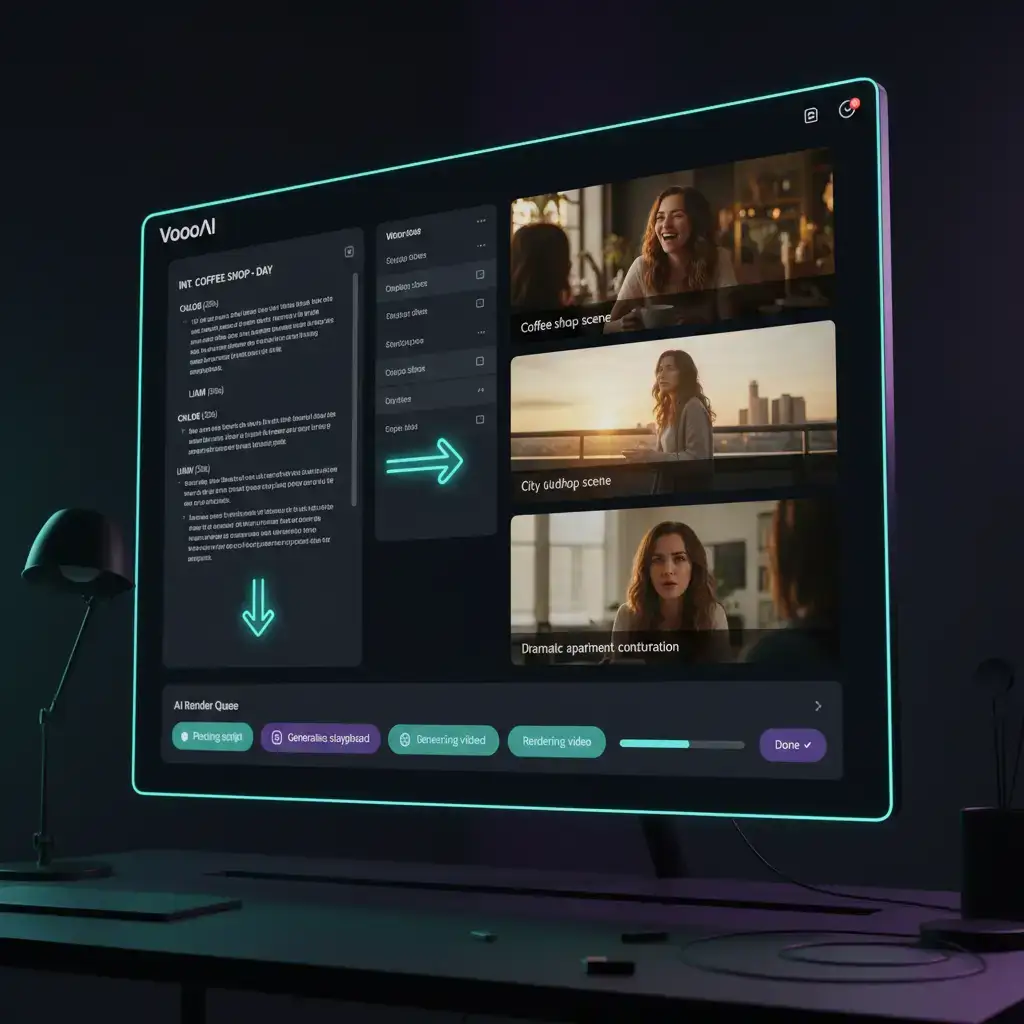
The ChatGPT-to-video parser is one entry point into a broader [script-to-video AI](/script-to-video) production pipeline that also covers raw screenplay editing, multi-engine template orchestration, and serialized short drama production. For a side-by-side view of how multi-engine orchestration compares with single-model alternatives, the [AI video generator](/ai-video-generator) super-hub explains why the same architecture scales from one-off ChatGPT outputs to full serialized seasons. If you are coordinating a daily ChatGPT-to-video cadence across TikTok, YouTube Shorts, and Instagram Reels, the [script-to-video for TikTok](/use-cases/script-to-video-for-tiktok) and [script-to-video for Instagram Reels](/use-cases/script-to-video-for-instagram-reels) playbooks document platform-specific aspect ratio defaults, caption styling, and end-card structures that pair naturally with this parser. Teams running serialized short drama on top of a ChatGPT screenplay typically chain this workflow into the [short drama script template](/templates/short-drama-script-template) once the first season's character bible stabilises, keeping reference images and engine choices consistent across episodes. Save these pages before you load your next GPT screenplay so the engine selector, reference pool, and hub navigation are all ready the moment you paste. For engine benchmarks, prompt-rewriter internals, and the broader workflow architecture, return to the [Script to Video AI](/script-to-video) hub.
Frequently Asked Questions
How do I paste a ChatGPT screenplay into VoooAI to generate a video?
Open the ChatGPT script-to-video workflow, paste your raw GPT-4 or GPT-5 output (JSON, markdown, or plain text), and click generate. The pre-processing node detects the format, splits the screenplay into shot beats, and routes the scenes through Kling O3, Seedance 2.0, and Wan2.6 simultaneously — you can swap in Seedance 2.5 or MiniMax H3 for any lane.
Which ChatGPT output format works best with the VoooAI script-to-video parser?
Strict JSON with scene, dialogue, and setting keys gives the cleanest parse. Markdown with H2 scene headings and bulleted directions is the second-best option. Plain prose works but the parser may merge scenes that lack explicit breaks—ask ChatGPT for one scene per paragraph to avoid this.
Can I re-render a single scene from a ChatGPT script without regenerating everything?
Yes. The node-level editor lets you re-roll a single shot against any of the three engines while preserving character references and the rest of the rendered scenes. This protects continuity and saves the credits you would burn on a full-script regeneration.
How long does it take to render a 60-second ChatGPT screenplay end-to-end on VoooAI?
End-to-end the workflow finishes in roughly 90 to 120 seconds for a one-minute screenplay, including format detection, scene graph construction, parallel rendering across all three engines, and platform-native encoding.
Does the ChatGPT script-to-video workflow output captions automatically?
Yes. Captions are auto-generated from the original ChatGPT dialogue lines so you do not re-transcribe what the model already wrote. They support 9:16, 1:1, and 16:9 outputs and can be styled with platform-default presets for TikTok, YouTube Shorts, and Instagram Reels.