AI Video Maker
AI video maker: create professional videos online from text or images. No editing skills needed. Export ready for YouTube, TikTok, Instagram.
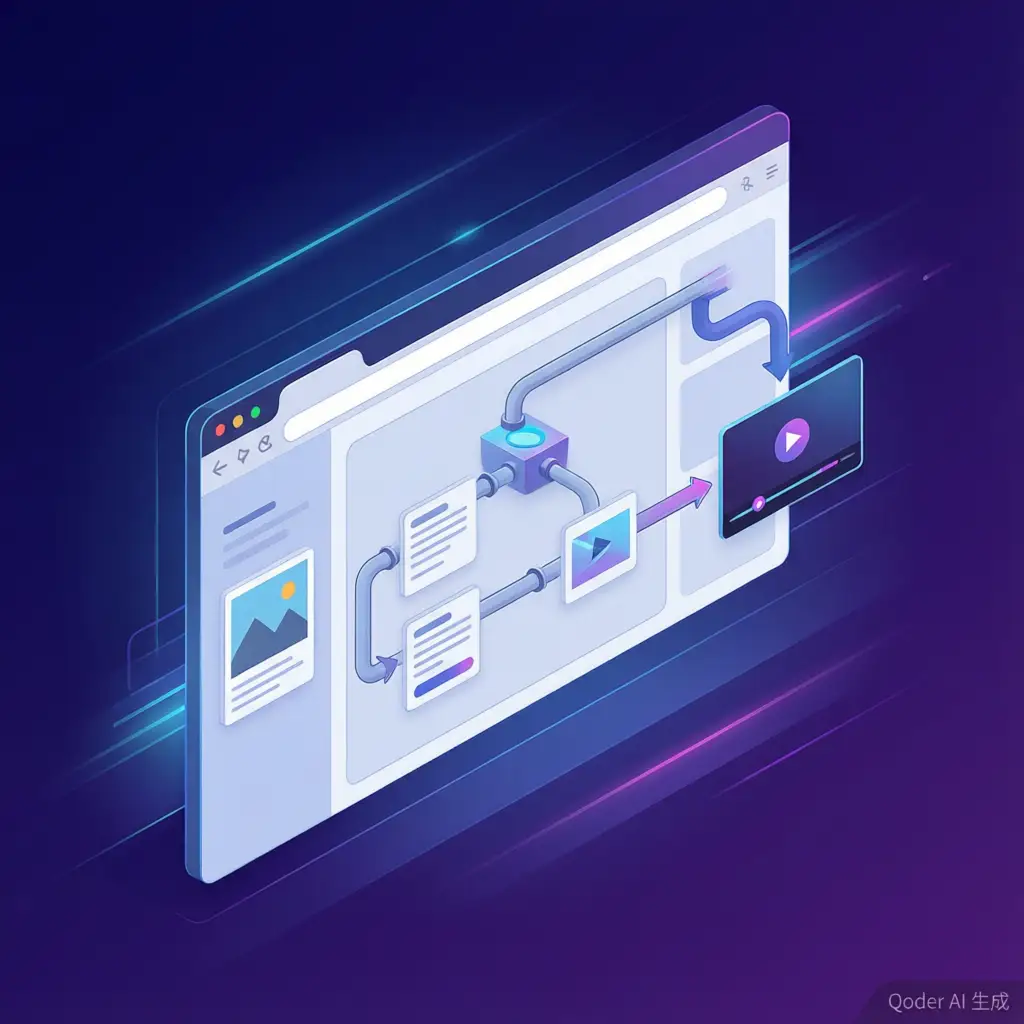
VoooAI's AI video maker turns a sentence or a photo into a finished, platform-ready video entirely in the browser. There is no timeline to learn, no software to install, and no editing vocabulary required - you describe the outcome, and the system handles scripting, storyboarding, generation, assembly and export as one continuous motion.
What is an AI Video Maker?
An AI video maker is a production pipeline disguised as a text box. Behind the single input field sit the roles a traditional studio spreads across a team: a writer who turns your idea into a script, a storyboard artist who decomposes it into shots, a renderer that synthesizes each shot, an editor that assembles pacing, and a producer who wraps it in the right format for each platform. The maker consolidates those roles into one interface - which is why the category has quietly absorbed work that until recently required hiring, software licenses, or a learned editing craft.
The Production Chain an AI Video Maker Replaces
Worth naming the chain explicitly, because each link is a skill or a cost you no longer carry. Script: VoooAI expands your one-liner into scene beats. Storyboard: each beat becomes a shot card with its own prompt and reference slots. Generation: shots route to the best-fit engine among the integrated models. Assembly: transitions, pacing and audio are handled by the orchestration layer. Export: the finished piece renders in 16:9, 9:16 and 1:1 without re-editing. A solo creator who once needed After Effects literacy now needs a clear description of what they want.
Key Features
- **Text-to-video**: describe your video in one sentence and get a multi-shot result
- **Image-to-video**: animate a photo or product shot into dynamic content
- **Multi-model routing**: each scene goes to the engine that handles it best
- **Character consistency**: reference-image locking keeps the same face across shots
- **Platform-native exports**: YouTube, TikTok and Reels formats from one project
- **No watermark**: clean professional exports on all plans
Who Uses AI Video Makers?
The user profile is wider than the old creator-economy core. **Content creators** fill YouTube, TikTok and Instagram schedules without touching a timeline. **Marketers** spin product demos and ad variants in the afternoon and A/B-test them the same evening. **Educators** turn lesson notes into explainer sequences. **Small businesses** produce internal announcements and listing videos that a studio would have quoted as a day rate. **Indie filmmakers** prototype concepts and pitch visuals before committing budget. What unites them is not an editing skill level but a shared refusal to pay the overhead of traditional post-production for short-form work.
Automation Economics: Why Makers Compound
The efficiency argument for consolidating production is no longer speculative. [Zapier's published customer stories](https://zapier.com/) quantify what happens when routine production steps are automated: Superhuman reports saving 42+ hours a week with an 87% reduction in lead errors, and Remote automates the equivalent of 2,200 person-days of work each month. Video is the same shape of problem - many small repetitive steps - and makers are where that automation dividend is now landing. The same shift shows up at tool level: according to [Videomagic's Shopify listing](https://apps.shopify.com/videomagic), its Auto mode lets the AI plan the entire production flow from product photos to published video, a workflow the app store once expected humans to configure by hand.
The Quality Bar Has Moved
A maker judged five years ago on template slides now competes with generated footage that carries camera motion, lighting and synchronized sound. The gap between "automated slideshow" and "generated scene" is the real dividing line in the current market, and it is why consolidation became viable at all: once each shot in the chain is generated to broadcast-adjacent quality, the assembly layer is free to focus on pacing and format instead of hiding weak footage with transitions. According to [Hailuo's template gallery](https://hailuoai.video/), a single uploaded photo now yields finished clips in K-pop MV, pet-story and cinematic-shot formats - a fair proxy for what the average maker output looks like in 2026.
Cost: Studio Team vs AI Video Maker
A freelance motion designer quotes per finished minute; an editor charges daily; a full stack of subscription tools quietly reaches a software budget. A maker tool prices per generation instead, and because failed variants are cheap, the creative process changes character - you commission several takes, keep the best, and pay nothing for the cutting-room floor. That per-attempt economics is the reason solo channels now ship volumes that used to require an agency headcount.
Getting Started
Sign up free, describe your video or upload an image, and export in minutes. For text-to-video specifically, see our [AI Video Generator from Text](/use-case/ai-video-generator-from-text) guide; for image-driven work, read the [AI Video Generator from Image](/use-case/ai-video-generator-from-image) walkthrough. For the full platform, visit our [AI Video Generator](/ai-video-generator) Super-Hub.

Frequently Asked Questions
Do I need editing experience?
No. VoooAI handles scripting, shot planning, assembly and export automatically - just describe what you want.
Can I customize the output?
Yes. Adjust scenes on the storyboard, regenerate individual shots, swap the engine per scene, and choose export formats.
What makes an AI video maker different from a video editor?
An editor manipulates footage you already have; a maker generates the footage itself - script, shots, audio and assembly start from a text prompt or a single image.
Can one project export to multiple platforms?
Yes. The same project exports in 16:9 for YouTube, 9:16 for TikTok and Shorts, and 1:1 for feeds without re-editing.
Is the export watermark-free on the free plan?
VoooAI exports are clean and professional across plans - no watermark on the output.