Free AI Music Generator — Create Original Songs and BGM from Text with Suno v5
What can AI Music Generator do?
VoooAI is a free AI music generator that turns a text prompt into original music and songs. Powered by Suno v5, it generates two full-length tracks per run — instrumental background music or vocal songs with selectable male or female vocals — and pairs them with Seed Audio 1.0 narration and the full VoooAI video canvas, so your score ships together with the visuals it was made for.
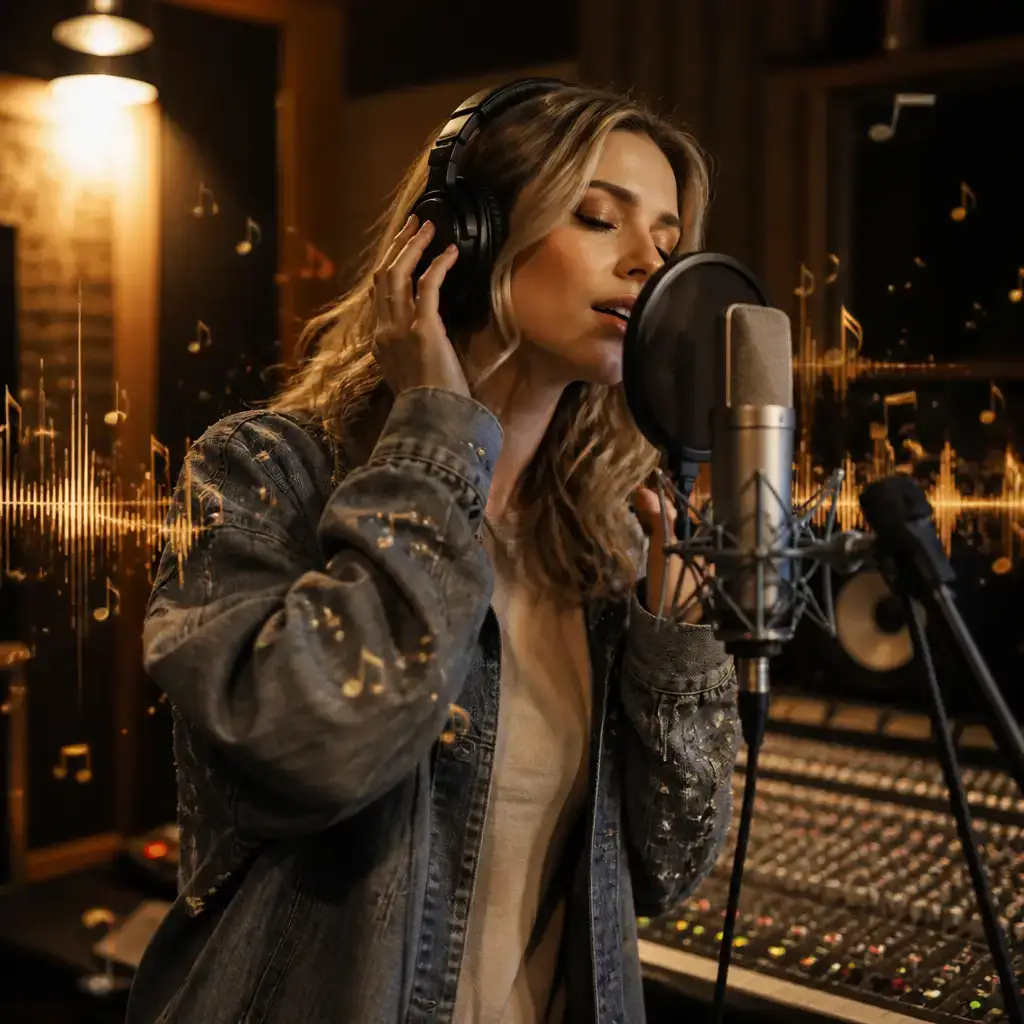
What Is an AI Music Generator?
An AI music generator turns a short text description into a finished piece of music. On VoooAI, that engine is Suno v5. You describe the mood, genre and pacing in natural language, pick a style and a tempo, and Suno v5 returns two full-length tracks — each around 120 seconds or longer — in a single run. You can generate pure instrumental background music, or a vocal song with a chosen male or female voice. Style controls cover directions such as hot-blooded, epic, melancholic, sad, cheerful and angry, while tempo spans fast, medium and slow, so the output matches the emotional arc of your project instead of a generic stock loop. Every run gives you two variations to compare, and you keep the one that fits.
The real difference is that music on VoooAI never sits in a separate app. It lives on the same node canvas as your video, image and digital-human engines, so you can score a short drama, an ad or an explainer and edit the visuals in one workflow. Need a voice-over on top of the track? Seed Audio 1.0 — a speech-synthesis engine with preset voices, billed by actual duration — generates the narration, while Suno v5 handles the music underneath. VoooAI ships with a free tier and daily credits, so independent creators, ad teams, educators and game developers can prototype an original soundtrack before committing to a full render. Because the music is generated for your brief rather than licensed from a stock library, you spend your time composing, not hunting for the right licence.

Two Audio Engines and a Canvas Behind Your Soundtrack
Suno v5 — Original Music and Songs
Suno v5 is the music engine at the core of VoooAI. From a text prompt plus style and tempo choices, it generates two full-length tracks (120+ seconds each) per run — instrumental BGM or vocal songs with selectable male or female vocals. It is billed per generation run.
Seed Audio 1.0 — Narration and Voice-Over
Seed Audio 1.0 is a speech-synthesis engine with preset voices, billed by actual audio duration. It is the voice layer of your project — narration, voice-over and spoken lines — not a music engine. Pair it with Suno v5 to score a track and lay a spoken performance over it.
Multi-Model Canvas — Score and Video Together
A track is rarely the final deliverable. The VoooAI node canvas places your Suno v5 music beside Seedance 2.5 or Kling video, GPT Image 2 stills and OmniHuman 1.5 presenters, so you compose the soundtrack and the picture in a single workflow and export one finished piece.
How It Works — From Prompt to Track
1. Describe mood and style
Write a natural-language prompt, then choose a style (hot-blooded, epic, melancholic, cheerful and more) and a tempo (fast, medium, slow) to steer the generation.
2. Pick instrumental or vocal
Generate pure instrumental BGM, or switch to a vocal song and select a male or female voice. Custom mode gives you finer control over the result.
3. Get two full-length tracks
Suno v5 returns two tracks (120+ seconds each) in one run. Preview both, keep the winner, and re-roll if you want a different direction.
4. Score it to picture and export
Drop the track onto the canvas under your video, add Seed Audio 1.0 narration if you need a voice-over, then export a watermark-free result on eligible plans.
Who Uses VoooAI as Their AI Music Generator
Video & Short-Form Creators
Score TikTok, Reels and Shorts with original background music matched to the pacing of each clip — no repeating stock loop, no licence hunt.
Ad & Brand Teams
Generate brand jingles and campaign beds from a short brief. Produce several style and tempo variants in parallel and pick the one that fits the spot.
Educators & Podcasters
Create intro and outro music, then lay a clean Seed Audio 1.0 narration over it for courses, explainers and podcast segments.
Game & App Developers
Prototype menus, loops and scene soundtracks quickly. Iterate on mood and tempo until the music matches the feel of your build.
Original Music Instead of a Stock Licence
Stock music libraries such as Epidemic Sound and Artlist charge a recurring subscription for a fixed catalogue of pre-made tracks, and you still spend hours searching for the one that fits. VoooAI takes the opposite approach: Suno v5 generates original music on demand, matched to the exact mood, style and tempo you describe, and it lives on the same canvas as your video. You score and edit in one place, produce as many variants as you need, and never licence-hunt again — the track is made for your brief from the first prompt.
Free Credits to Start — No Licence Fees
VoooAI offers a no-credit-card free tier with daily credits, so you can generate and preview music before you pay. Suno v5 is billed per generation run and Seed Audio 1.0 by actual narration duration, which means you only spend on what you produce. Paid plans unlock watermark-free exports, higher quotas and commercial-use rights on eligible engines, clearly labelled at export so you always know what you can publish.
Frequently Asked Questions
What is an AI music generator?
Which engine powers VoooAI music?
Can it make songs with vocals?
How many tracks do I get per run?
Can I control the style and tempo?
Is Seed Audio 1.0 the same thing as the music?
Can I use VoooAI music commercially?
Can I sync the music to a video?
Create your first AI track free
Describe the mood, pick a style and tempo, and generate two original tracks in one run. No credit card. Daily free credits. Watermark-free on paid plans.
Try VoooAI Free