AI Digital Human Generator — Turn a Photo and Audio into a Talking-Head Video with OmniHuman 1.5
What can AI Digital Human Generator do?
VoooAI is an AI digital human generator that turns a single portrait photo and an audio track into a realistic, lip-synced talking-head video. Powered by OmniHuman 1.5 for audio-driven human animation and Seed Audio 1.0 for preset-voice narration, it produces news-style presenters, product explainers, corporate spokespeople and social shorts — with no camera, no actor and no studio.
What Is an AI Digital Human Generator?
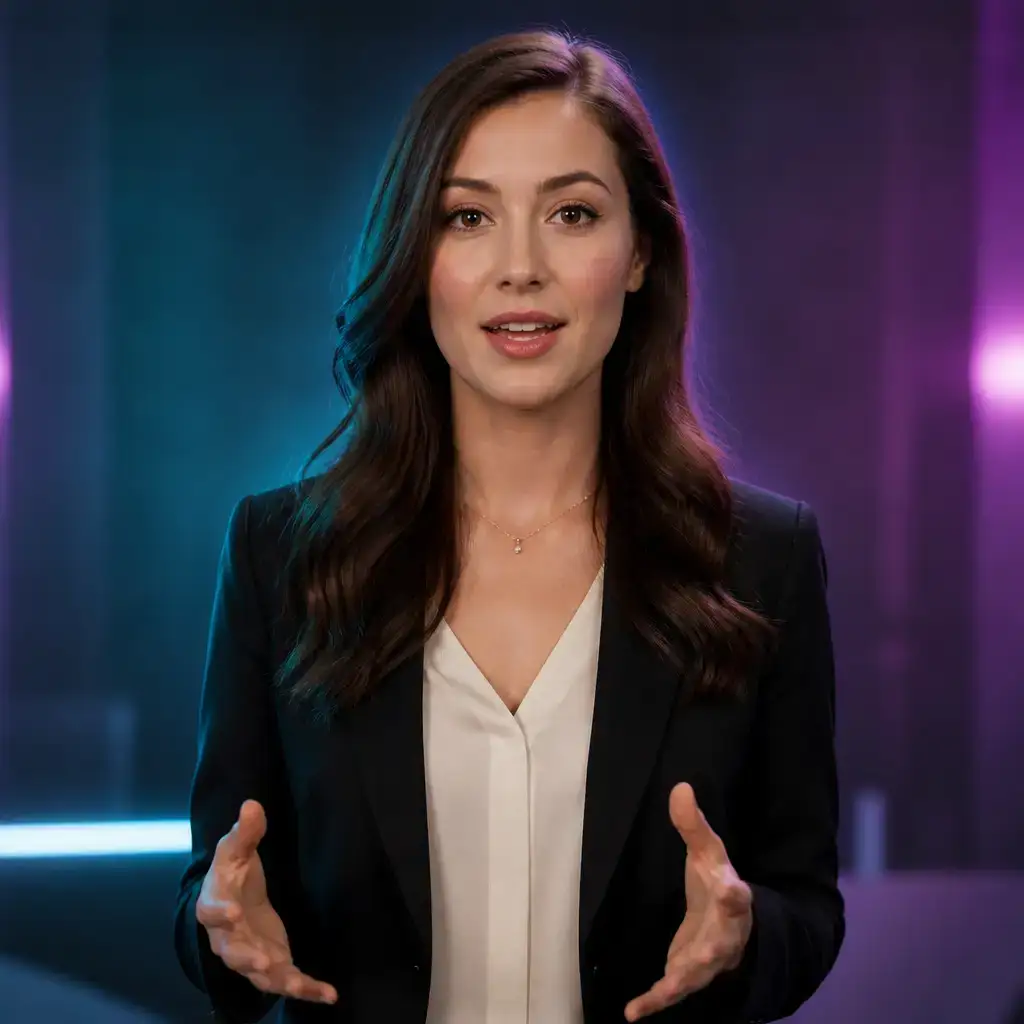
An AI digital human generator turns a still portrait and a voice track into a speaking presenter. Instead of filming a human anchor, you upload one photo, supply audio, and the engine animates the face, head and shoulders with accurate lip-sync and natural micro-expressions. VoooAI builds this on OmniHuman 1.5, a professional human-video engine with audio-driven support: the audio you provide literally drives the mouth shapes, blinks and head motion, so the result stays in sync from the first word to the last. For the voice itself, VoooAI pairs it with Seed Audio 1.0, a speech-synthesis engine with preset voices billed by actual duration — you can generate a clean narration line in seconds, or drive the avatar with an audio track you already recorded.
The real advantage is the workflow around the avatar. On the VoooAI canvas, creating a digital human is one node in a larger pipeline: generate or prepare the portrait, create the talking-head, add narration, then compose everything into a finished video with B-roll, subtitles, background music and transitions. Because the same canvas also runs video engines (Seedance 2.5, Kling, Wan2.6), image engines (GPT Image 2, Seedream 5.0 Pro, Nano Banana 2) and music (Suno v5), a digital human never lives in isolation — it becomes the presenter layer of a complete marketing, education or broadcast piece. VoooAI ships with a free tier and daily credits, so you can prototype a spokesperson before committing to a full production.
Two Engines and a Canvas Behind Every Digital Human
OmniHuman 1.5 — Audio-Driven Talking Heads
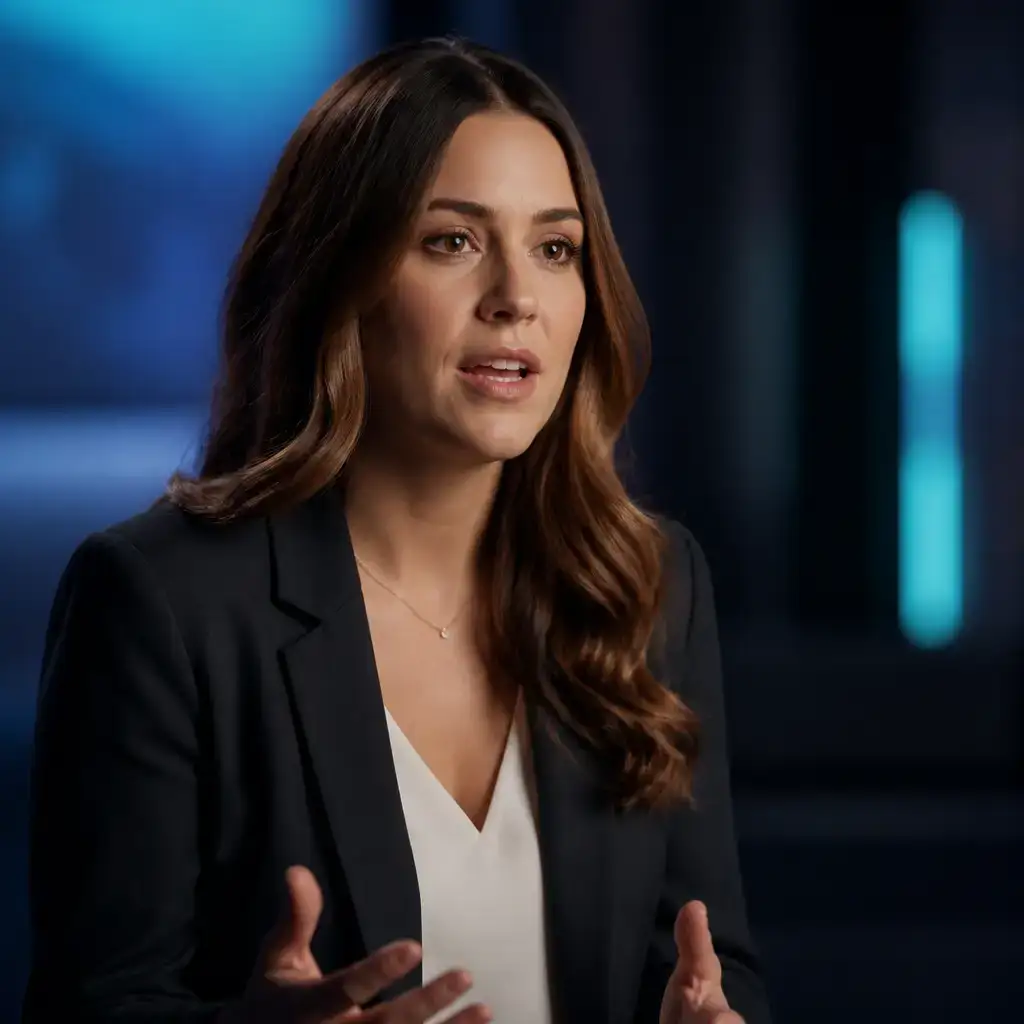
OmniHuman 1.5 is the professional human-video engine at the core of VoooAI digital humans. It takes a portrait photo plus an audio track and generates a realistic talking head where lip movements, blinks and head motion are driven by the audio. The result is a presenter that stays perfectly in sync without manual keyframing.
Seed Audio 1.0 — Preset-Voice Narration
Seed Audio 1.0 is a speech-synthesis engine with a library of preset voices, billed by actual audio duration. Use it to generate the narration that drives your digital human, or supply your own recorded audio. It is a voice-over engine — the music on your canvas comes from Suno v5 instead.
Multi-Model Canvas — Compose the Full Video
A talking head alone is rarely the final deliverable. The VoooAI node canvas lets you place the digital human beside B-roll from Seedance 2.5 or Kling, product stills from GPT Image 2, subtitles and Suno v5 background music, then export one composed video — no external editor required.
How It Works — From Portrait to Presenter
1. Upload a portrait photo
Provide a clear, front-facing portrait. You can use a real photo or a character generated on the image canvas. The portrait defines the presenter’s appearance, attire and background.
2. Add audio or generate narration
Record your own voice-over, or generate a narration line with Seed Audio 1.0 preset voices. This audio drives the lip-sync of the digital human.
3. Generate the talking head
OmniHuman 1.5 animates the portrait from the audio, producing a realistic talking-head clip with natural expression and accurate mouth shapes.
4. Compose and export
Drop the avatar onto the canvas with B-roll, subtitles, transitions and music, then export a watermark-free video on eligible plans for broadcast, social or e-learning.
Who Uses VoooAI Digital Humans
News & Broadcast Teams
Produce consistent anchor segments for news roundups, product bulletins and internal announcements without booking a studio or waiting on talent availability.
Education & Training
Turn lesson scripts and onboarding docs into presenter-led explainer videos. A single digital human keeps a course visually consistent across dozens of modules.
Corporate & Product Demos
Give product launches, feature walkthroughs and investor updates a human face. Localise the narration and re-render the same spokesperson for new markets in minutes.
Social Shorts & UGC-Style Ads
Create vertical 9:16 presenter clips for TikTok, Reels and Shorts. Batch-render hook variants and keep the avatar identity stable across a whole campaign.
A Practical Alternative to Synthesia & HeyGen
Synthesia and HeyGen popularised the AI avatar, but creators often hit the same walls: a locked library of stock avatars, per-seat subscriptions, and a separate tool that does nothing else. VoooAI takes a different approach. Your digital human starts from your own portrait, is driven by OmniHuman 1.5, and lives on the same multi-model canvas as your video, image and music engines. Instead of exporting a lone talking head and re-editing it elsewhere, you compose the full piece — B-roll, subtitles, Suno v5 score — in one workflow, then publish directly to the channels you monetise on.
Free Credits to Start — No Studio Required
VoooAI offers a no-credit-card free tier with daily credits, so you can generate and preview digital humans before you pay. Paid plans unlock watermark-free exports, higher rendering quotas and commercial-use rights on eligible engines. Because narration is billed by actual audio duration on Seed Audio 1.0, you only spend on the seconds you really produce — there is no minimum studio-style package to buy.
Frequently Asked Questions
What is an AI digital human generator?
Which engine powers VoooAI digital humans?
Do I have to record my own voice?
Can I use my own photo as the presenter?
Is the lip-sync automatic?
Can I use VoooAI digital humans commercially?
Do the videos have a watermark?
Can I combine a digital human with video and music?
Create your first AI digital human free
Upload a portrait, add narration, and render a lip-synced presenter in minutes. No credit card. Daily free credits. Watermark-free on paid plans.
Try VoooAI Free