AI Comic Generator — Turn Text Stories into Manga, Webtoons and Comics
What can AI Comic Generator do?
VoooAI is an AI comic generator that turns a written story into fully drawn comics, manga and webtoons. Powered by GPT Image 2, Seedream 5.0 Pro and Nano Banana 2 on one canvas, it handles automatic panel breakdown, dialogue bubbles and character consistency across every page — with no drawing skills required.
What Is an AI Comic Generator?
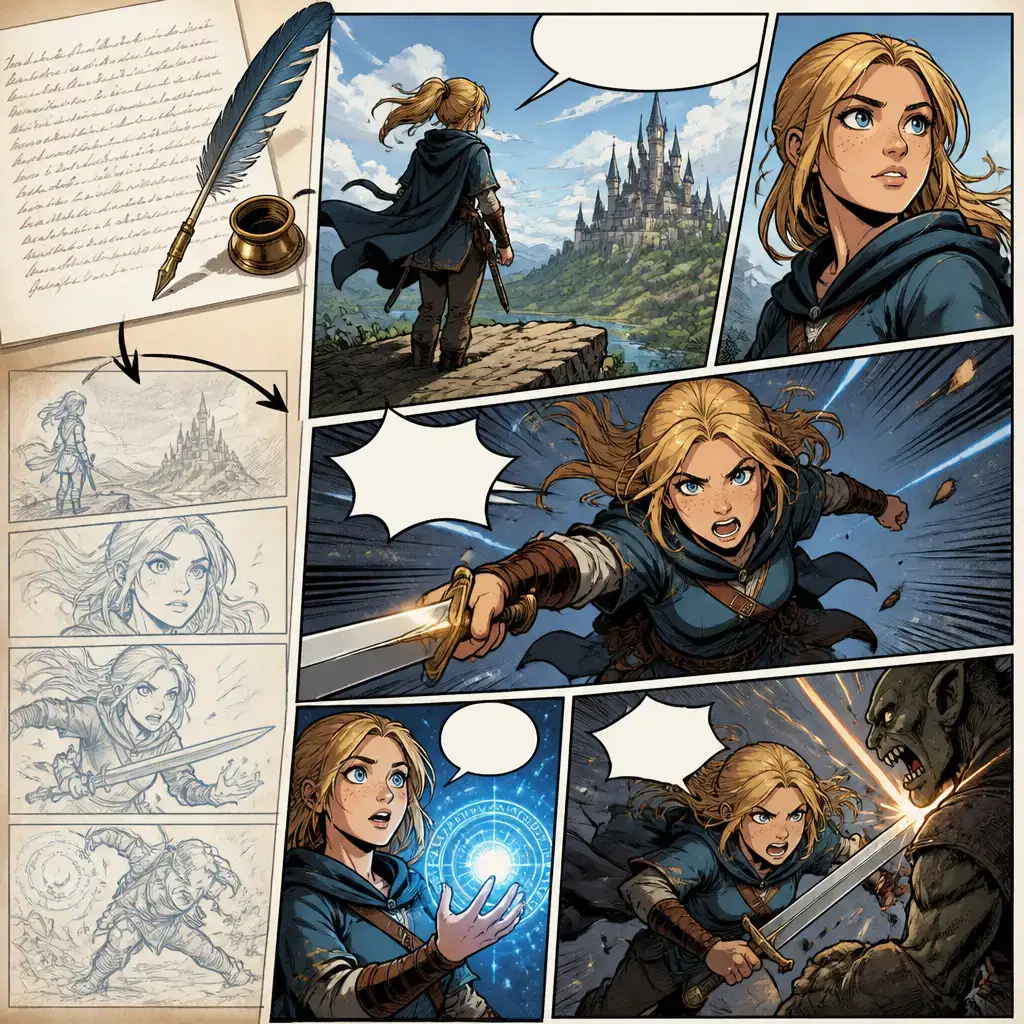
An AI comic generator turns a written story into a sequence of drawn panels. On VoooAI, the pipeline follows the way a real comic is made: character design, then panel drawing, then speech bubbles, and finally the complete comic. You paste a story or a scene description, and the image engines lay it out panel by panel. GPT Image 2 handles crisp detail and accurate in-panel lettering, Seedream 5.0 Pro drives the artistic style, and Nano Banana 2 keeps the same character recognisable from the first panel to the last by blending multiple reference images. The result is a narrative comic — not a pile of unrelated single images — with a protagonist whose face, outfit and lighting stay stable across the whole page.
Style is a first-class control. VoooAI covers Japanese manga, Western comics, vertical-scroll Webtoon, Chibi and watercolour looks, so the same story can be re-rendered for a different audience without redrawing anything. Because it runs on the same multi-model canvas as the rest of VoooAI, a comic is never a dead end: you can continue into an illustrated storybook with the AI Book Generator, animate a key panel into a short clip with the video engines, or export a print-ready page sequence. VoooAI ships with a free tier and daily credits, which makes it a practical starting point for webtoon creators, indie comic writers, educators and brand storytellers who want to visualise a script fast.
Three Image Engines Behind Every Panel
GPT Image 2 — Detail and Lettering
GPT Image 2 renders crisp, highly detailed panel art and handles in-image text accurately, which matters for speech bubbles, sound effects and signage. VoooAI wraps it with auto-prompt optimisation, so a short scene description expands into a fully structured panel prompt before rendering.
Seedream 5.0 Pro — Manga and Webtoon Styles
Seedream 5.0 Pro leads in artistic interpretation and stylised illustration, making it the first choice for Japanese manga, Webtoon and Western comic looks. It is what gives your comic a consistent hand-drawn identity rather than a generic render.
Nano Banana 2 — Character Consistency
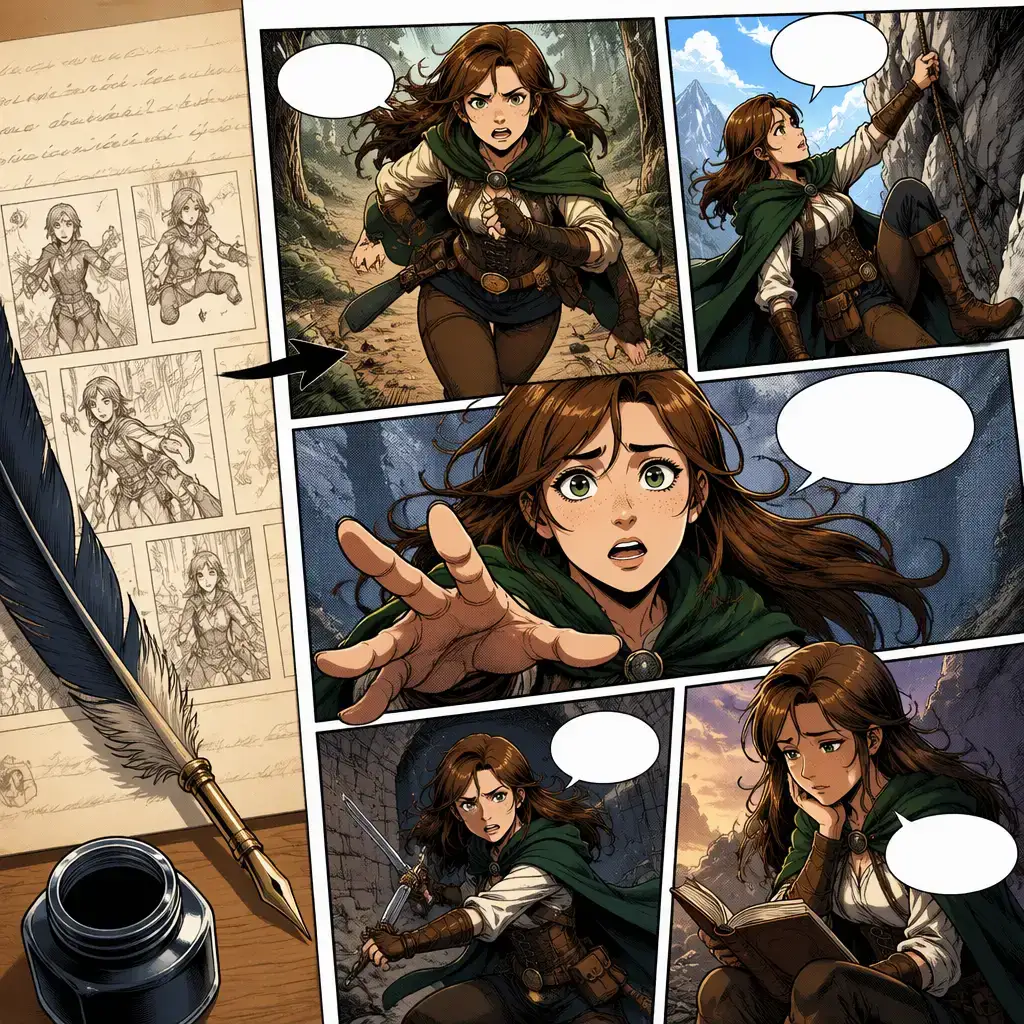
Nano Banana 2 excels at blending multiple reference images and keeping a subject stable across edits. For comics, that means the same protagonist holds their face, outfit and proportions across every panel and page — the hardest problem in AI storytelling, solved on the canvas.
How It Works — From Story to Finished Comic
1. Write or paste your story
Drop in a script, a scene breakdown or a one-line premise. VoooAI splits the narrative into beats that map naturally onto comic panels.
2. Design consistent characters
Create a character sheet or upload reference images. Nano Banana 2 uses them to lock the protagonist’s look before the first panel is drawn.
3. Auto panel breakdown and bubbles
The engines draw each panel in your chosen style and place dialogue bubbles and narration, so the page reads like a real comic.
4. Export or continue the story
Export a page sequence, continue into an illustrated storybook with the AI Book Generator, or animate a key panel into a short video clip.
Who Uses VoooAI as Their AI Comic Generator
Webtoon and Manga Creators
Produce vertical-scroll Webtoon episodes or manga pages with a stable cast. Iterate on panel composition and style without redrawing characters from scratch.
Indie Comic Writers
Visualise a script fast. Turn a written issue into a page-by-page draft you can review, re-order and refine before committing to final art.
Educators and Storytellers
Turn a lesson, a fable or a historical event into a comic strip that holds attention. Continue into a full illustrated storybook when you need more depth.
Brands and Marketing Teams
Explain a product or a campaign as a short branded comic. Keep the mascot consistent across a series of posts, ads and landing pages.
Prefer an illustrated storybook instead of panelled comics? Try the AI Book Generator, or render single scenes with the AI Image Generator.
A Narrative Comic Tool, Not a Single-Image Toy
General AI image tools such as Midjourney are brilliant at one striking picture, but a comic is not one picture — it is a sequence where the same character must look identical in panel one and panel twenty. That consistency is where single-image tools fall apart. VoooAI is built for the sequence: Nano Banana 2 holds character identity across panels, GPT Image 2 keeps lettering legible, and Seedream 5.0 Pro unifies the art style, all on one canvas with automatic panel breakdown and speech bubbles. You get a readable story, not a set of mismatched stills.
Free Credits to Start — No Drawing Skills Needed
VoooAI offers a no-credit-card free tier with daily credits, so you can draft comic pages before you pay. Paid plans unlock watermark-free exports, higher rendering quotas and commercial-use rights on eligible engines, clearly labelled at export. Because the same credits cover image, video and music engines, a comic that later becomes an animated short or an illustrated book stays inside one budget and one workflow.
Frequently Asked Questions
What is an AI comic generator?
Which image engines does VoooAI use for comics?
Can it keep the same character consistent across panels?
What comic styles are supported?
Does it add speech bubbles and dialogue?
Can I turn a comic into a storybook or a video?
Can I use VoooAI comics commercially?
Do I need to know how to draw?
Turn your story into a comic free
Paste a script, design your cast, and watch the panels draw themselves. No credit card. Daily free credits. Watermark-free on paid plans.
Try VoooAI Free